Windows Server
Windows Server 2025 Standard
Original price was: $56.99.$32.99Current price is: $32.99.Buy Now Windows Server 2025 Standard
Windows Server keys for every release we stock are in this list. We'd choose Standard for a server with up to two VMs and Datacenter for unlimited VMs. Essentials suits a small office with up to 25 users. For a new server, pick Windows Server 2025. We email each key instantly after payment.
No keys match.
Windows Server keys for every release we stock, from 2012 R2 to 2025, are listed here as genuine product keys.
They come in Standard, Datacenter and Essentials editions. Remote Desktop CAL packs are sold as separate products.
| Point | Detail |
|---|---|
| Range | From 2012 R2 to 2025 |
| A new server | Go with Windows Server 2025 or 2022 |
| When an application requires them | 2019 or 2016 |
| Legacy systems only | 2012 R2 |
| Version first | 2025 is the newest release, 2022 the one before it |
| Edition second | Standard covers two VMs, Datacenter unlimited VMs, Essentials a small office of up to 25 users |
| Core licensing | Since 2016, Standard and Datacenter are licensed per physical core, with a 16-core minimum per server |
| CALs | Standard and Datacenter users need Windows Server CALs; Remote Desktop users also need RDS CALs |
For a new server, we’d choose Windows Server 2025. Older Windows Server keys fit systems whose software is certified only for them.
| Version | Best for |
|---|---|
| Windows Server 2025 | New servers |
| Windows Server 2022 | Existing 2022 estates, proven platform |
| Windows Server 2019 | Apps certified for 2019 |
| Windows Server 2016 | Short-term use, apps certified for 2016 |
| Windows Server 2012 R2 | Legacy systems only |
The rule is mostly simple. Ask the software vendor which versions they certify, then take the newest one on that list.
In most cases that’s one of the two newest releases.
Older versions usually come up only when a line-of-business app hasn’t been recertified.
Every Windows Server key is tied to one edition, and the edition decides how many virtual machines you may run and whether users need CALs.
| Edition | What it licenses |
|---|---|
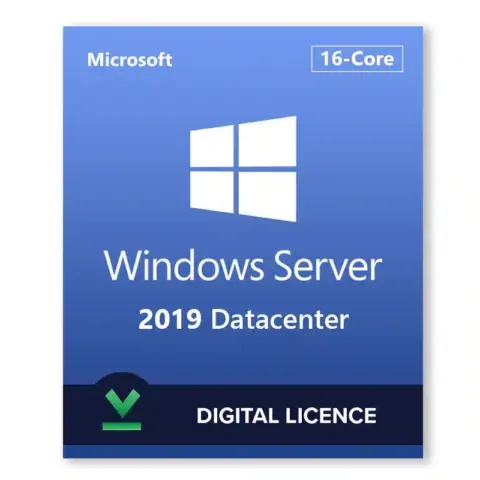
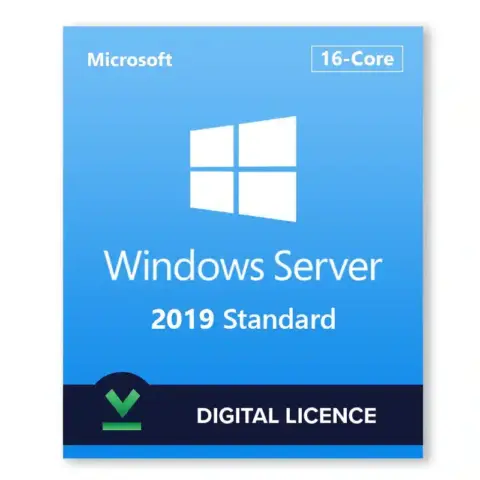
| Standard | A physical server plus two virtual machines. It suits most small and mid-sized businesses |
| Datacenter | Unlimited virtual machines on the host, plus software-defined storage and networking |
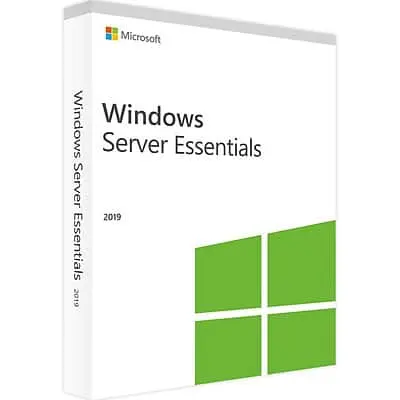
| Essentials | A CAL-free edition for one small office with up to 25 users and 50 devices |
| Edition | Virtualization rights | CALs | Typical use |
|---|---|---|---|
| Standard | Physical host plus 2 VMs per fully licensed server | Required | File, print, domain and application servers |
| Datacenter | Unlimited VMs on the licensed host | Required | Hyper-V hosts, clusters, private cloud |
| Essentials | One server instance | Not needed (up to 25 users, 50 devices) | Small offices with a single server |
Datacenter’s extras matter when many workloads share the same hosts. For a single file server, they rarely do.
Our guide Windows vs Windows Server explains when a desktop edition is enough and when you need a server OS at all.
Each user or device that connects to Standard or Datacenter needs a Windows Server CAL.
Each Remote Desktop user or device also needs an RDS CAL.
No server key in this list comes bundled with CALs. The Remote Desktop packs are separate products, all in Windows Server CALs.
| Server version | Packs we sell |
|---|---|
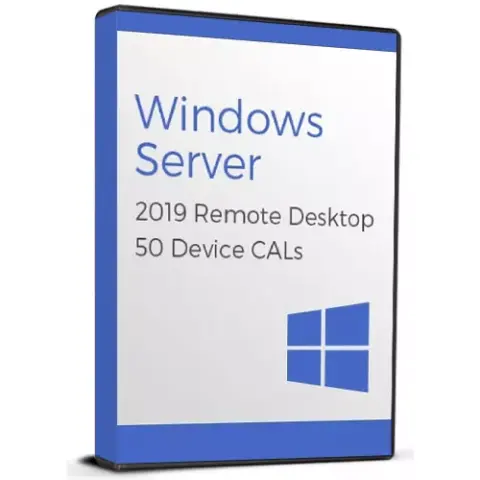
| 2019 | 50 Device CALs |
| 2022 and 2025 | 50 User or 50 Device CALs |
CALs cover their own server version and earlier ones. So we’d buy them for the newest server your users connect to.
CALs for 2022 don’t license access to a 2025 server.
Since Windows Server 2016, Standard and Datacenter are licensed per physical processor core. So we’d count at least 16 core licenses for every server, even one with fewer cores.
| Rule | Detail |
|---|---|
| Per server | At least 16 core licenses |
| Per processor | At least 8 core licenses |
| Physical cores | All of them must be licensed |
| Windows Server 2012 and 2012 R2 | They still used per-processor licensing, with each license covering up to two processors |
| Case | What it takes |
|---|---|
| Small server | A single 8-core CPU still counts as 16 cores for licensing |
| More VMs on Standard | License all cores again for every additional two VMs, or move to Datacenter |
| Essentials | A single license with its own limits, and no CALs needed |
| Number | Where to find it |
|---|---|
| Physical cores | Task Manager, Performance, CPU. Use Cores, not Logical processors |
| Processors | The Sockets figure on the same screen |
| Users or devices that connect | Your own headcount or device list |
| Remote Desktop users | The staff who work in sessions on the server |
Every Windows Server release from 2016 on needs at least a 1.4 GHz 64-bit processor and 32 GB of storage. Windows Server 2025 adds two CPU instructions to that list.
| Component | 2016, 2019, 2022 | 2025 |
|---|---|---|
| Processor | 1.4 GHz 64-bit, NX/DEP, CMPXCHG16b, LAHF/SAHF, PrefetchW, SLAT | Same, plus SSE4.2 and POPCNT |
| Memory | 1 GB Server Core, 2 GB Desktop Experience | 2 GB, 4 GB recommended for Desktop Experience |
| Storage | 32 GB minimum | 32 GB minimum |
| Network | 1 Gbps Ethernet | 1 Gbps Ethernet |
These are minimums from Microsoft’s hardware requirements for Windows Server.
A production server often needs far more memory and storage for its roles and virtual machines. So we’d size for the workload, not for setup.
After payment, we email your Windows Server key instantly together with the official Microsoft download link. No store account is needed.
Not in the inbox? Check the spam folder or email support@hypestkey.com.
slmgr /ipk XXXXX-XXXXX-XXXXX-XXXXX-XXXXX
slmgr /ato| Line | What it does |
|---|---|
| First | Installs your key in place of the X characters |
| Second | Activates the server online with Microsoft |
Microsoft moved telephone activation online. The automated phone line is replaced by the Product Activation portal at aka.ms/aoh, so a server on an isolated network still activates.
slmgr /dti
slmgr /atp CONFIRMATION-ID
slmgr /dlv
Signing in to the portal doesn’t attach the license to that account. It only opens the activation form.
For a new box, the usual pick is Windows Server 2025 Standard. For an estate on the 2022 release, the matching Windows Server 2022 Standard license keeps every server on one version.
We’re a trusted online store with genuine keys. We’ve delivered 30,000+ licenses since 2018.
| Point | Detail |
|---|---|
| Payment | Through Stripe by card, Apple Pay or Google Pay |
| If a key does not activate | We help you fix it or send a replacement |
| Contact | Write to support@hypestkey.com or use the live chat |
The keys Microsoft publishes on Microsoft Learn are KMS client keys. They point a server at a company’s own KMS host and don’t activate a standalone machine.
Our Windows Server KMS keys page lists them for every version.
Run this in an administrator Command Prompt. A permanently activated server says so in a small window.
slmgr /xprMicrosoft’s list price for Windows Server 2025 Standard is $1,176 for a 16-core license.
We work closely with our suppliers and buy in large volumes, which gets us lower prices.
We’re also an online store with electronic delivery. There’s no box, no shipping and no shop floor, so our overheads stay minimal.
Most Windows Server key problems we’d warn about come from a key for the wrong version or edition, from counting cores wrongly or from missing CALs.
We’d keep this short glossary at hand, since Windows Server licensing documents and setup screens use these words without ever explaining them.
| Term | Meaning |
|---|---|
| Core license | A license counted per physical processor core |
| CAL | Client access license, for each user or device that connects |
| RDS CAL | The extra CAL for Remote Desktop users or devices |
| VM | Virtual machine |
| Server Core | The install option without the desktop |
| Desktop Experience | The install option with the graphical desktop |
| ISO | A disk image of the installer |
| Installation ID | The number a server shows for offline activation |
| Product Activation portal | Microsoft’s website at aka.ms/aoh that replaced automated phone activation |
Windows Server 2025 for a new server. We'd pick Windows Server 2022 if your other servers run it.
Both share the same core features. Standard covers the physical host plus two virtual machines. Datacenter covers unlimited VMs and adds Storage Spaces Direct, full Storage Replica, software-defined networking and Shielded VMs.
Yes for Standard and Datacenter. Each user or device that connects needs a Windows Server CAL, and Remote Desktop users also need an RDS CAL. Essentials covers up to 25 users and 50 devices without CALs.
From Windows Server 2016 on, all physical cores. The minimum is 8 per processor and 16 per server. A small single-CPU server still counts as 16 cores.
No. A key activates the version and edition it was made for. For the 2025 release, you need its own key.
No key that activates. Microsoft's public KMS client keys only work with a company's own KMS host. The free option is the 180-day evaluation.
Run slmgr /xpr in an administrator Command Prompt. It shows whether the server is permanently activated.