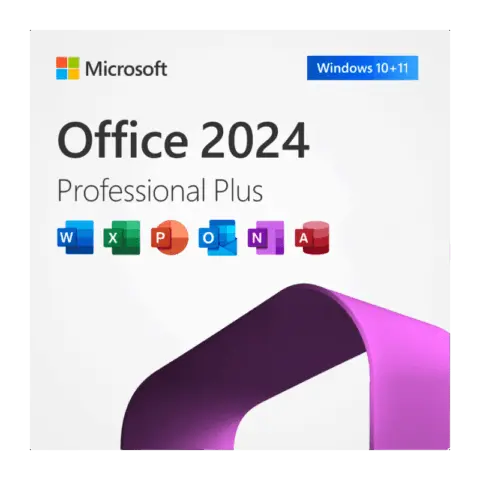
Original price was: $120.99.$65.99Current price is: $65.99.Buy Now Microsoft Office 2024 LTSC Professional Plus License & Download
Office 2024 product keys
Office LTSC Professional Plus 2024 is the Windows edition in this category: Word, Excel, PowerPoint, Outlook, OneNote and Access for a one-time payment. If you need Office on a Mac, or want the option to use either platform, choose Home and Business 2024 instead. Both are perpetual licenses that Microsoft supports until October 9, 2029, and both come with instant delivery to your email.
Products
No keys match.
Buying Office 2024 keys
Microsoft released Office 2024 as the one-time purchase alternative to Microsoft 365, with the whole application suite under a single payment. Word handles documents, Excel manages spreadsheets and data, PowerPoint builds presentations, Outlook organizes email and calendars, Access runs databases and OneNote captures notes. Microsoft supports Office 2024 until October 9, 2029.
Microsoft Office LTSC Professional Plus 2024
This is the edition sold in this category: Office LTSC Professional Plus 2024.
Built only for Windows 10 and Windows 11, in 32-bit and 64-bit versions
Includes Word, Excel, PowerPoint, Outlook, Access and OneNote
Designed for business environments, with the security and admin controls IT teams expect
Microsoft also distributes this edition through volume licensing
Instant delivery of the product key and installation instructions to your email
Not compatible with macOS, Android or Chromebooks
Publisher is not part of Office 2024; Microsoft dropped it from this release. If you rely on Publisher, look at Office 2021.
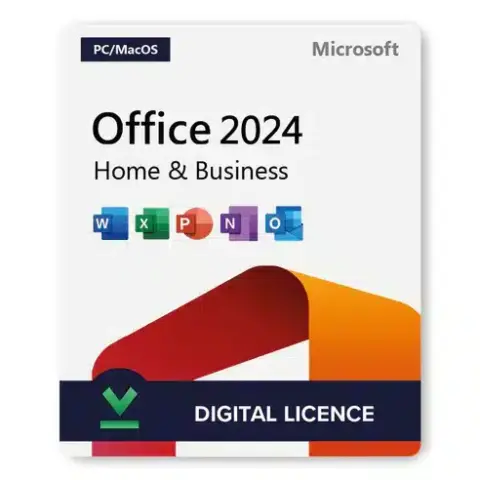
Microsoft Office Home and Business 2024
Need Office on a Mac? Office Home and Business 2024 is listed under Office 2024 for Mac and works on both platforms:
Compatible with both PC and Mac
Licensed for installation on a single device
Includes Word, Excel, PowerPoint, Outlook and OneNote
Works with Windows 11, Windows 10 and current macOS versions
Instant digital delivery with the official download link
License types and activation methods
Office 2024 is a perpetual license: pay once and keep using it. Every edition gives lasting access to Word, Excel, PowerPoint, OneNote and Outlook, and LTSC Professional Plus adds Access. How the license is handled depends on the edition.
Home and Business 2024
Single device license for one PC or one Mac
Can be moved to another device after you remove it from the first one
Linked to your Microsoft account when you redeem the key
Security updates until October 9, 2029
Simple activation with the product key
LTSC Professional Plus 2024
Made for business deployment, the same build Microsoft offers through volume licensing
Activation by product key; Microsoft’s volume channels also use KMS and MAK activation
Security and compliance controls for managed environments
Deployment through the Office Deployment Tool for IT admins
Windows only, 32-bit or 64-bit
Secure purchase and instant delivery
Your license key arrives with instant delivery to your email right after checkout, together with the download link and installation instructions. Companies paying for Microsoft 365 subscriptions can switch some or all seats to perpetual licenses and stop the recurring charge. Ordering for several PCs? Add as many keys as you need, one per computer.
Each application ships with refreshed performance and an updated interface. Access handles database tasks, Excel crunches the numbers, Word produces documents, PowerPoint puts presentations together, OneNote collects notes and Outlook manages mail. LTSC Professional Plus runs on Windows only, so Mac users should pick Home and Business.
Technical support and installation guide
Every license comes with setup instructions, and Microsoft provides official help resources for both editions.
Home and Business 2024
Access to standard Microsoft Support
Microsoft’s online knowledge base and community forums
Regular security updates until 2029
Installation guides for both PC and Mac
LTSC Professional Plus 2024
Deployment documentation for IT teams on Microsoft Learn
Network and silent installs with the Office Deployment Tool
Help from us with key activation by email or chat
Monthly security updates until October 9, 2029, without feature changes
Windows-specific setup resources
Installation is a download from Microsoft; there is no physical media. The steps cover clean installs, upgrades from an older Office and custom setups where you pick only the apps you need. The process stays simple, and LTSC Professional Plus adds options for deploying across a whole network. If a key does not activate, email support@hypestkey.com and we fix it or send a replacement.