Short answer: To find your Windows product key, check where Windows came from. I'd look in the order email, on the card in the box, or in the firmware of a branded PC. Two built-in commands read the firmware key and the end of the installed key. A PC with a digital license has no key of its own.
To find your Windows product key, start with how you got Windows. The key sits in a different place for a boxed copy, a download and a PC that came with the system installed.
| How you got Windows | Where the key is |
|---|---|
| Bought a key online | In the order confirmation email |
| Boxed copy from a shop | On a label or card inside the box |
| PC with Windows preinstalled | Stored in the PC’s firmware, or on a sticker on older machines |
| Free upgrade or a Store purchase | Nowhere; you have a digital license and no key |
| Work or school PC | With the organisation; ask IT |
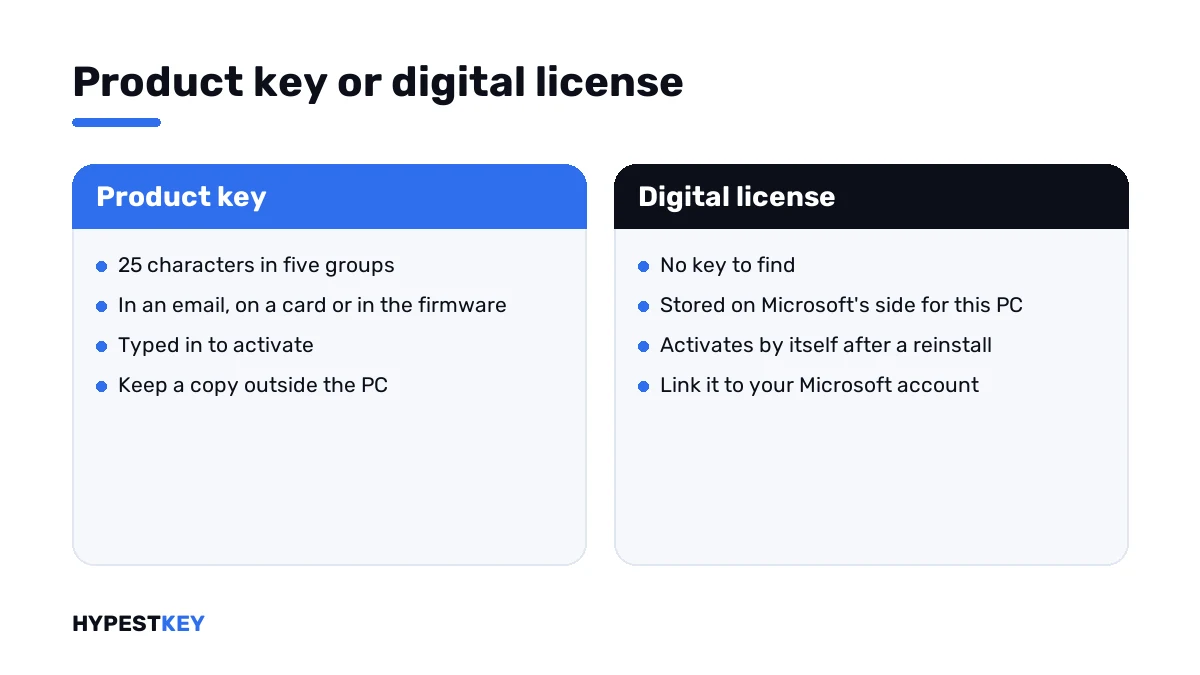
Many people look for a key that doesn’t exist. If the Activation page mentions a digital license, there’s nothing to find and nothing you need to type.
Where Microsoft says it is
Microsoft’s page Find your Windows product key goes through the cases one by one.
| Source | Microsoft’s answer |
|---|---|
| A new PC running Windows | The key is preinstalled on the PC, included with the packaging, or on the Certificate of Authenticity attached to the PC |
| A boxed copy from a retailer | On a label or card inside the box |
| A digital copy from a retailer | In the confirmation email, or in a digital locker on the retailer’s site |
| A digital copy from a Microsoft website | In the confirmation email |
| The free upgrade to Windows 10 or 11 | A digital license instead of a product key |
| A Pro upgrade bought in the Microsoft Store app | A digital license instead of a product key |
| Volume Licensing or MSDN | In the web portal of the program |
One line on that page is worth knowing. Microsoft only keeps a record of product keys bought from its own online store. For anything else, I’d look in my own records or ask the seller.
Check whether you need a key at all
Open Settings, System, Activation and read the status line. It settles half of all key hunts.
| Status line | What it tells you |
|---|---|
| Windows is activated with a digital license | No key needed; a reinstall on this PC activates by itself |
| Windows is activated with a digital license linked to your Microsoft account | No key needed, and the license can follow a hardware change |
| Windows is activated | Activated, usually with a key that was typed in; keep that key somewhere safe |
| Windows is activated using your organization’s activation service | A company key; it isn’t yours to take along |
On Windows 10 the same page sits under Settings, Update & Security, Activation.
How to find your Windows product key
Go from the paper trail to the PC itself.
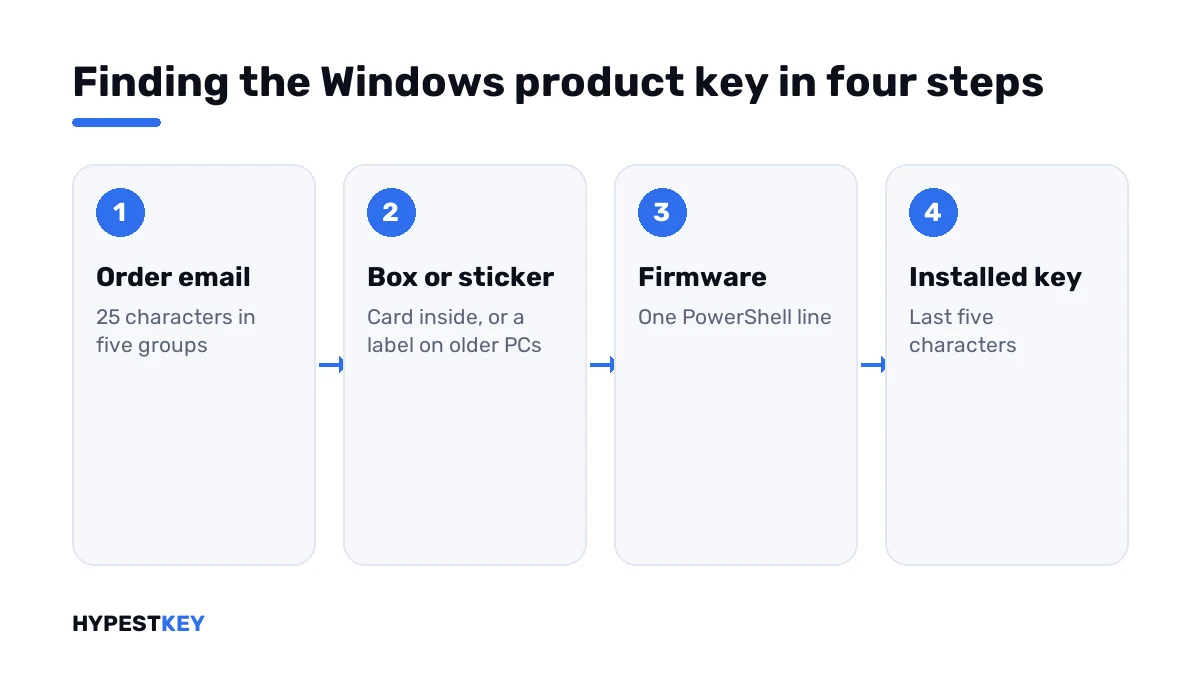
- Search your mailbox for the order confirmation; the key is 25 characters in five groups.
- For a boxed copy, look for the card or label inside the box.
- On an older branded PC, check the bottom or the back for a Certificate of Authenticity sticker.
- On a newer branded PC, read the key from the firmware with the PowerShell line below.
- To see which key is installed right now, run the license information line and compare its last five characters with your records.
- If you bought from Microsoft’s online store, sign in to your Microsoft account and open the order history.
- Nothing found and no digital license: ask the seller for the key again, with the order number.
(Get-CimInstance -ClassName SoftwareLicensingService).OA3xOriginalProductKey
slmgr /dli| Line | Where | What it shows |
|---|---|---|
The Get-CimInstance line |
PowerShell | The key the PC maker stored in the firmware; an empty answer means there is none |
slmgr /dli |
Command Prompt | The edition, the channel and the last five characters of the installed key |
Older guides use a different command for the firmware key, built on a tool called WMIC. Current Windows 11 versions don’t install it by default any more. We use the PowerShell line.
The installed key isn’t always your key
Here’s the trap. A PC activated by a digital license carries a generic key, the same one on millions of machines.
| Last five characters shown | What it is |
|---|---|
| 3V66T | The generic Windows Pro key |
| 8HVX7 | The generic Windows Home key |
| Anything else | A key that was typed in or came with the PC |
Key finder tools show that generic key in full and people write it down as theirs. It activates nothing on another PC. Our generic keys page lists all of them.
A tool that tells the two apart is ShowKeyPlus. It shows the installed key and the firmware key side by side, each with its edition. We explain the screens in our ShowKeyPlus guide.
Three kinds of key in one PC
| Key | Where it lives | Can it activate another PC |
|---|---|---|
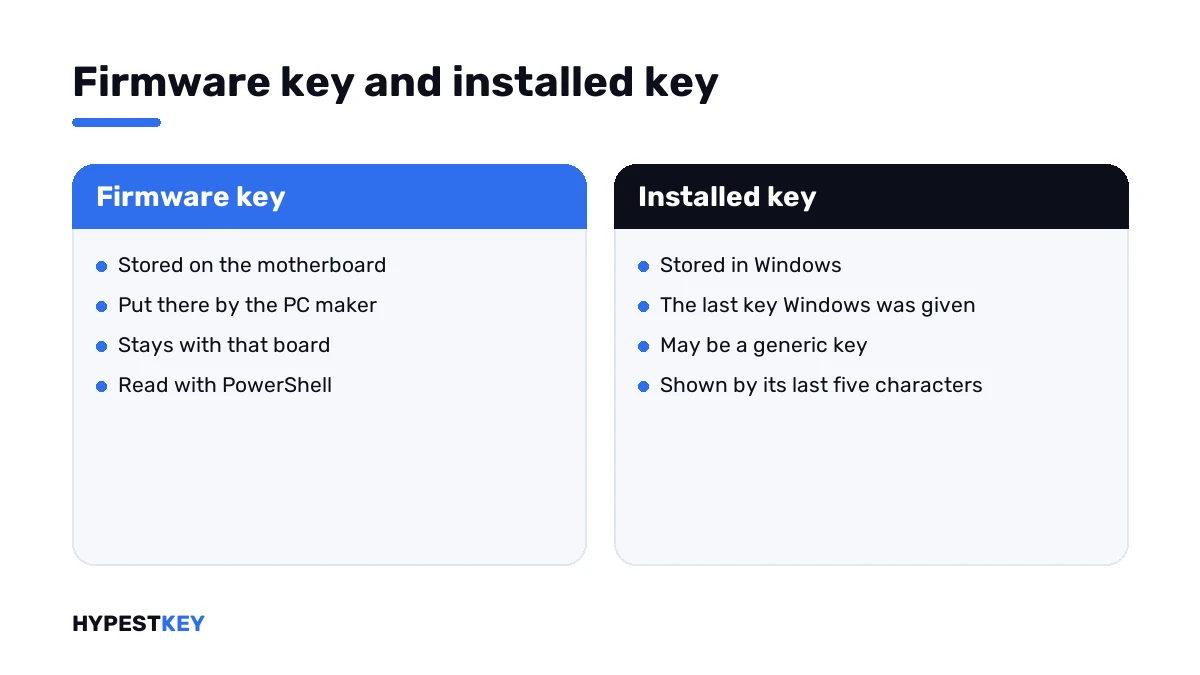
| Firmware key | On the motherboard, put there by the PC maker | No; it belongs to that board |
| Installed key | In Windows, shown by its last five characters | Only if it’s a retail key you bought |
| Generic key | In Windows, on PCs with a digital license | No |
Whether a key may move depends on its channel. Retail keys can, preinstalled ones can’t. The details are in Retail vs OEM vs Volume license and in transferring a Windows license to a new PC.
Before a reinstall or a hardware change
This is when most people start looking. A few minutes now save the search later.
- Read the status line on the Activation page and note it.
- With a digital license, add your Microsoft account so the license is linked to it.
- With a typed-in key, find the email or the card and keep a copy outside the PC.
- Note the edition, Home or Pro. The reinstall has to match.
The reinstall itself is in our clean install guide. What happens to activation after a new motherboard is on the page for 0xC004F211.
When the key is gone for good
No email, no box, no sticker, no digital license. It happens, mostly with keys bought years ago.
| Situation | What’s left |
|---|---|
| You know the seller | Ask them to send the key again |
| Windows is still activated on the PC | Link the license to your Microsoft account; the key matters less then |
| The PC is wiped and nothing activates | A new key |
Need a new one? Ours are genuine and arrive instant to email, which leaves a record to search for next time. Pick Windows 11 Pro or Windows 11 Home. For the older system we have Windows 10 Pro.
Where the key goes once you have it is shown in how to activate Windows 11.
Where these steps apply
| System | Notes |
|---|---|
| Windows 11 | All steps as written |
| Windows 10 | Same commands; Activation sits under Update & Security |
| Branded PCs from recent years | Firmware key, no sticker |
| Self-built PCs | No firmware key; look for the email or the box |
| Work devices | The key belongs to the organisation |
Mistakes we see most
- Writing down the generic key as your own.
- Searching for a key on a PC that has a digital license.
- Trying a firmware key from one laptop on another PC.
- Throwing the order email away after activating.
- Running key finder tools from unknown download sites.
- Posting a photo of the key sticker online.
Terms used on this page
| Term | Meaning |
|---|---|
| Product key | 25 characters in five groups that activate one copy of Windows |
| Digital license | Activation stored on Microsoft’s side, with no key to type |
| Firmware key | A key the PC maker stores on the motherboard |
| Certificate of Authenticity | The sticker older PCs carry, sometimes with the key printed on it |
| Generic key | A public key that selects an edition and activates nothing |
| Channel | How a license was sold: retail, preinstalled or volume |
FAQ
How do I find my Windows product key?
Look in the order email or inside the box first. On a branded PC, a PowerShell line reads the key from the firmware. I'd also check the Activation page, because a digital license needs no key.
Can I see my full product key in Windows?
Windows itself shows only the last five characters, with the license information line of slmgr. The full firmware key appears with the PowerShell line. For a typed-in retail key, we'd rely on the order email.
Why does my PC show a key ending in 3V66T?
That's the generic Windows Pro key. PCs activated by a digital license carry it, and it's the same on every such machine. It can't activate another PC, so I wouldn't save it as mine.
Where is the product key on a laptop?
On newer laptops it's stored in the firmware, with no sticker. Older ones carry a Certificate of Authenticity label on the bottom. The PowerShell line on this page reads the firmware key.
Does Microsoft keep a copy of my key?
Only for purchases from its own online store, according to Microsoft's page. For those, the order history of your Microsoft account has it. For other sellers, we'd ask the seller.
Do I need my key to reinstall Windows?
Often not. With a digital license, the same edition activates by itself after a reinstall on the same PC. With a typed-in retail key, I'd keep it at hand for the setup.
Are key finder programs safe?
Well-known ones do what they say, and they read data that's already on your PC. The risk is the download source. We'd use the built-in commands first and get tools only from their makers.