Short answer: Windows 98 product key: check the Certificate of Authenticity on the PC case, the manual cover or the CD packaging. Windows 98 has no activation, so nothing online to fix. We don't publish Windows 98 keys, and if yours is lost we'd move to a current Windows on a new PC.
Your Windows 98 product key is the code on the Certificate of Authenticity, either stuck to the PC or printed on the original manual or CD packaging. We don’t publish keys for Windows 98, generic ones included. Below: where to look, how to tell a real COA, and what to use instead.
| Where you got Windows 98 | Where to look first | Then |
|---|---|---|
| A PC that came with it | COA label on the case | Manual and CD sleeve from the PC maker |
| A retail box | Label or card inside the box | Cover of the printed manual |
| A used PC with no paperwork | COA label on the case | The seller, if you can still reach them |
| Nothing left but a running PC | No Microsoft tool shows the key | Treat the key as lost |
Check everything paper first. Boxes from that era hid the key in odd places.
Where the Windows 98 product key is printed
Look at the PC itself before anything else. Machines sold with Windows preinstalled carry a COA label, and on a tower that means the side or back panel.
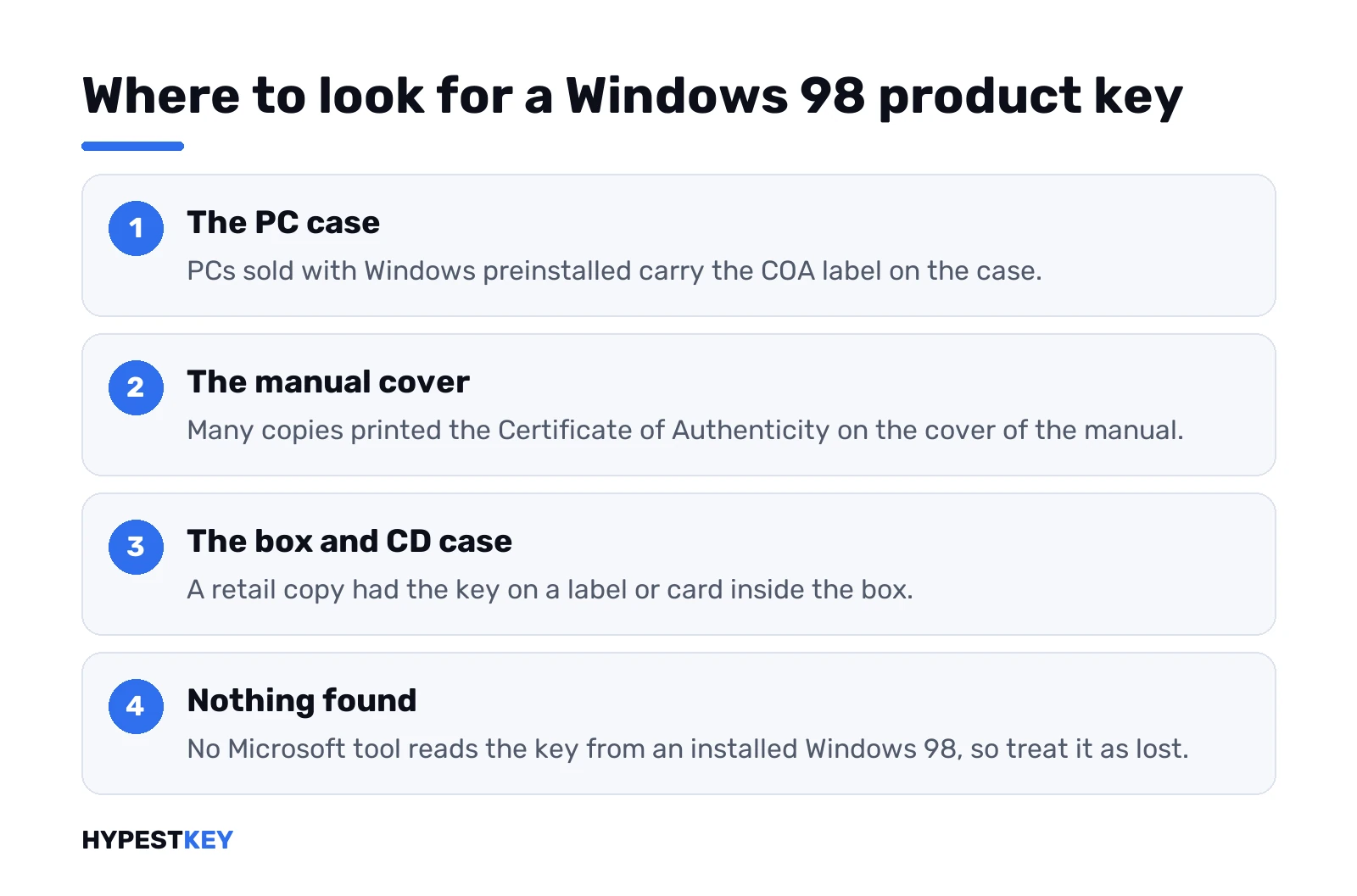
No label on the case? Then paper. A retail copy had the key on a label or card inside the box, and many copies put the COA on the cover of the printed manual. We’d also check the CD jewel case and any envelope the disc came in.
The format: five groups of five characters. Old print fades, and B and 8 look alike. So do 6 and G. We’d copy the key down in daylight and type it slowly.
Hunting for a key on a current PC instead? Our guide to finding a Windows product key covers Windows 10 and 11.
Windows 98 SE, First Edition, OEM and upgrade keys
Two releases, several channels. That’s why one Windows 98 product key works on one CD and gets refused by another.
| What’s on the disc or label | What it means for the key |
|---|---|
| Windows 98, the original release | Often called First Edition now, to tell it apart |
| Windows 98 Second Edition | “Second Edition” printed on the CD and COA |
| OEM, “for distribution with a new PC only” | Key tied to that PC maker’s disc |
| Full retail box | Key fits the retail full-version disc |
| Upgrade box | Setup wants an earlier Windows on the PC, or its disc |
Match the words on the COA with the words on the CD. Same release, same channel? Good chance the key goes through. Mixed pair, like an SE key and a First Edition disc? We’d expect “invalid” and nothing more.
A PC maker’s recovery CD is its own thing again. Some only install on that maker’s hardware, key or no key.
How to tell a genuine Windows 98 COA
Fake Windows 98 copies were common enough that Microsoft described the security features of the genuine OEM product. Two things to check:
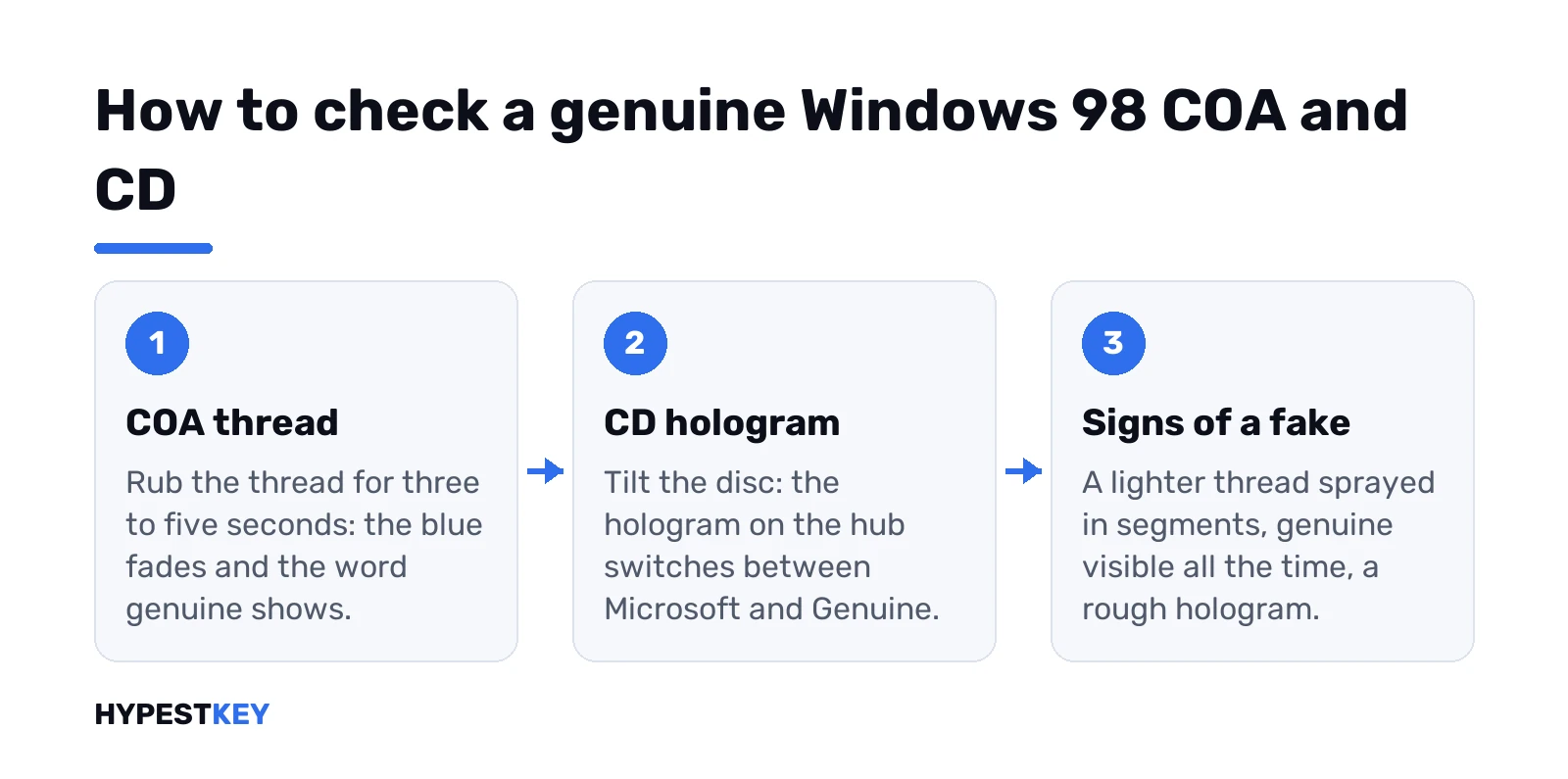
- The thread in the COA: rub it for three to five seconds and the blue colour fades, showing the word “genuine”.
- The CD: a hologram on the hub that switches between “Microsoft” and “Genuine” as you tilt it.
On fakes, the thread is lighter and ink-sprayed in segments, and “genuine” can be read all the time. A rough or patchy hologram on the hub is the other giveaway.
A key on a fake label may still pass setup. That doesn’t make the copy licensed, and we’d keep the two questions apart.
Windows 98 had no activation step
Here’s where 98 differs from everything after it. Product activation arrived with Windows XP. Windows 98 setup asks for the key and that’s the end of it. No activation wizard, no grace period.
So what happens with activation today? Nothing. There’s nothing to activate and no server to fail.
That doesn’t make an old key list safe to use. A key that setup accepts is not a licence, and the licence sits with the COA you own. We wouldn’t type a key from a forum post into anything.
Key channels mattered even then. A key printed for one release or one CD type may get rejected by another disc’s setup, so we’d keep the key with the CD it came with. Our page on retail, OEM and volume licences explains how those channels work today.
Reading the key from an installed Windows 98
We haven’t found a Microsoft page that shows how to read a Windows 98 key back out of a working install. Windows itself doesn’t display it.
Third-party key finders claim to do it from the registry. Microsoft doesn’t document that route, so we leave it out here.
PC still boots? Copy your files off before anything else. A failed reinstall without the key leaves you with a machine that won’t finish setup.
Lost the Windows 98 key completely
Then it’s probably gone. For preinstalled Windows, Microsoft’s general advice is to ask the PC maker; for a boxed copy, the retailer. With hardware this old, we’d not count on either.
Microsoft offers no technical help for Windows versions that get no updates, and Windows 98 is one of them. No replacement key will come from there.
As for “free Windows 98 keys” pages: skip them. Same with ready-made disc images from archive sites. We don’t link either.
Windows 98 in a virtual machine
Old game, or a program that won’t run anywhere else? We’d use a virtual machine, and the rules don’t change: your own disc, your own key from your own COA.
We’d make an image of your own CD rather than pull one from the web. And keep the VM offline. Microsoft warns that Windows without updates is at greater risk from viruses and malware, and 98 hasn’t had an update in a very long time.
Inside a VM? Same key prompt, same step as on real hardware. Same five groups of five. COA next to the keyboard first. A typo? Back to that screen. And keep the virtual hardware modest, since 98 was built for the PCs of its day and a huge virtual disk or lots of RAM doesn’t make it any happier.
VirtualBox complaining about the ProductKey on a newer Windows guest is a different problem. That one has its own fix.
Replacing Windows 98: a current Windows and a new product key
For everyday work we’d leave 98 behind entirely. Microsoft’s suggestion for PCs on Windows versions without updates is a new PC with Windows 11, because the old hardware is unlikely to meet the requirements. We’d check the Windows 11 hardware requirements before buying anything.
- Windows 11 Home key: for a home PC.
- Windows 11 Pro key: for work; Home vs Pro shows the gap.
Getting files off a 98 machine takes some thought. A CD burner, a floppy, a network share, or the hard drive moved into a newer PC as a second disk. Pick whatever the old box can still do.
On the new machine: a clean Windows 11 install from Microsoft’s Media Creation Tool, then activation with the new key. We’d expect that key to turn into a digital license after the first activation.
Also sitting on an XP-era box? See our Windows 7 product key page for the next step up, or browse all our Windows keys.
Need a key for the new PC? Ours for Windows 11 Pro comes as a genuine Retail license, instant to email.
Sources: Microsoft’s note on fake OEM Windows 98 and the genuine COA features and its page on using a Windows version without updates.
Related guides
FAQ
Got a working Windows 98 key you can share?
No. We don't publish Windows 98 keys of any kind, generic ones included.
Where's the key on an old Compaq or Dell?
Usually on the Certificate of Authenticity label on the case. Also check the manual and the CD sleeve.
Does Windows 98 need activating?
No. Activation arrived with XP, so Windows 98 setup only asks for the key.
Can I read the key from the installed system?
Windows doesn't show it, and we haven't found a Microsoft method that does.
Will Microsoft give me a new 98 key?
Very unlikely. Microsoft offers no technical help for Windows versions that get no updates.
Is it fine to run 98 in a VM?
With your own disc and key, sure. Keep the VM offline because nothing patches it anymore.
What should I replace Windows 98 with?
A new PC with Windows 11, since old hardware rarely meets its requirements.
SE key, First Edition CD. Will that work?
Probably not. A key follows the release and the channel on its COA, so pair it with the matching CD.