Short answer: Microsoft 365 is Microsoft's subscription for the Office apps plus cloud services. We get the core apps, OneDrive storage and, for businesses, email and Teams. It replaced Office 365 on 21 April 2020. We pay monthly or yearly, and the apps keep updating.
Microsoft 365 is Microsoft’s subscription for the Office apps and the cloud services around them. We get the core apps on the desktop and the web, OneDrive storage and, in business plans, email and Teams. It replaced Office 365 on 21 April 2020. We pay monthly or yearly, and the apps keep updating.
- Home plans: Microsoft 365 Personal for one person, Family for up to six.
- Business plans: Basic, Standard, Premium and Apps for business, up to 300 users.
- Enterprise plans: E3, E5 and the frontline F plans, without a user limit.
- Education plans: A1, A3 and A5 for schools.
- The alternative: Office 2024, bought once for one PC or Mac.
The plan families and the 300-user limit come from Microsoft Learn’s Microsoft 365 and Office 365 plan options.
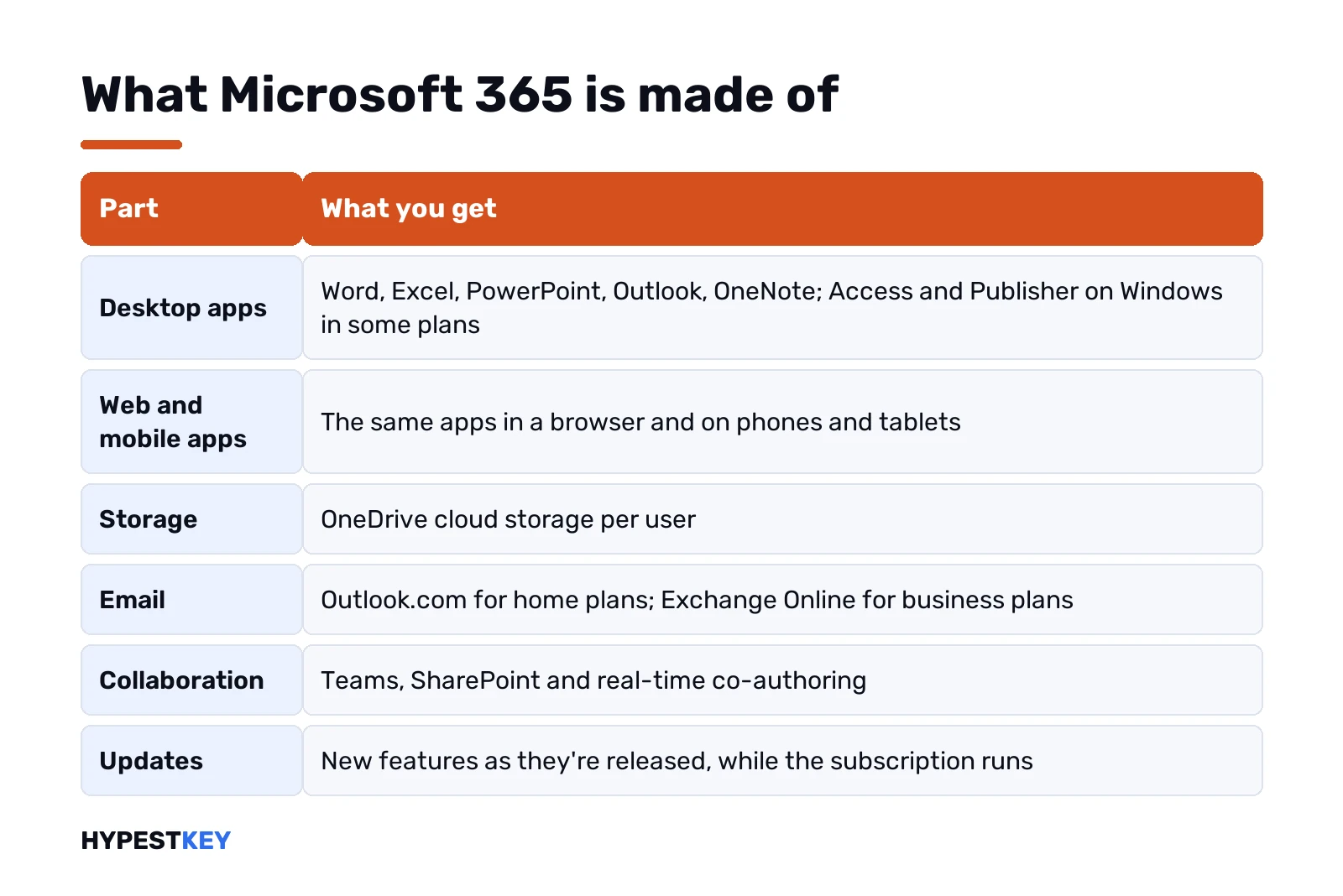
What is Microsoft 365, in one table
| Part | What you get |
|---|---|
| Desktop apps | Word, Excel, PowerPoint, Outlook, OneNote; Access and Publisher on Windows in some plans |
| Web and mobile apps | The same apps in a browser and on phones and tablets |
| Storage | OneDrive cloud storage per user |
| Outlook.com for home plans; Exchange Online for business plans | |
| Collaboration | Teams, SharePoint and real-time co-authoring |
| Updates | New features as they’re released, while the subscription runs |
The word “Microsoft 365” therefore covers two things at once. It’s the brand of the subscription, and it’s the name of the apps inside it, such as Word for Microsoft 365.
The 2020 rename from Office 365 to Microsoft 365
Microsoft renamed its subscriptions on 21 April 2020. Many Office 365 plans simply took the new name; a few business plans moved to different names at the same time.
| Old name | New name |
|---|---|
| Office 365 Personal | Microsoft 365 Personal |
| Office 365 Home | Microsoft 365 Family |
| Office 365 Business Essentials | Microsoft 365 Business Basic |
| Office 365 Business Premium | Microsoft 365 Business Standard |
| Microsoft 365 Business | Microsoft 365 Business Premium |
| Office 365 Business | Microsoft 365 Apps for business |
| Office 365 ProPlus | Microsoft 365 Apps for enterprise |
The business renames are listed by Microsoft on the plan options page above. The Office 365 E plans for enterprises kept their names.
Microsoft 365 home plans
| Plan | People | Fits |
|---|---|---|
| Microsoft 365 Personal | One | One person with several devices |
| Microsoft 365 Family | Up to six | A household, each with their own storage and sign-in |
| Microsoft 365 Basic | One | Storage and ad-free Outlook, without the desktop apps |
Prices change by country and over time, so we don’t quote them here. Microsoft’s store shows the current price for your region.
Microsoft 365 business plans
All four are designed for organisations with up to 300 users, per Microsoft Learn.
| Service | Business Basic | Business Standard | Business Premium |
|---|---|---|---|
| Exchange Online email | Yes | Yes | Yes |
| SharePoint and OneDrive | Yes | Yes | Yes |
| Apps for the web | Yes | Yes | Yes |
| Desktop client apps | No | Yes | Yes |
| Teams | Yes | Yes | Yes |
| Azure Information Protection | No | No | Yes |
Microsoft 365 Apps for business is the fourth: the desktop apps and OneDrive, without business email. Business Standard has its own page here: Microsoft 365 Business Standard.
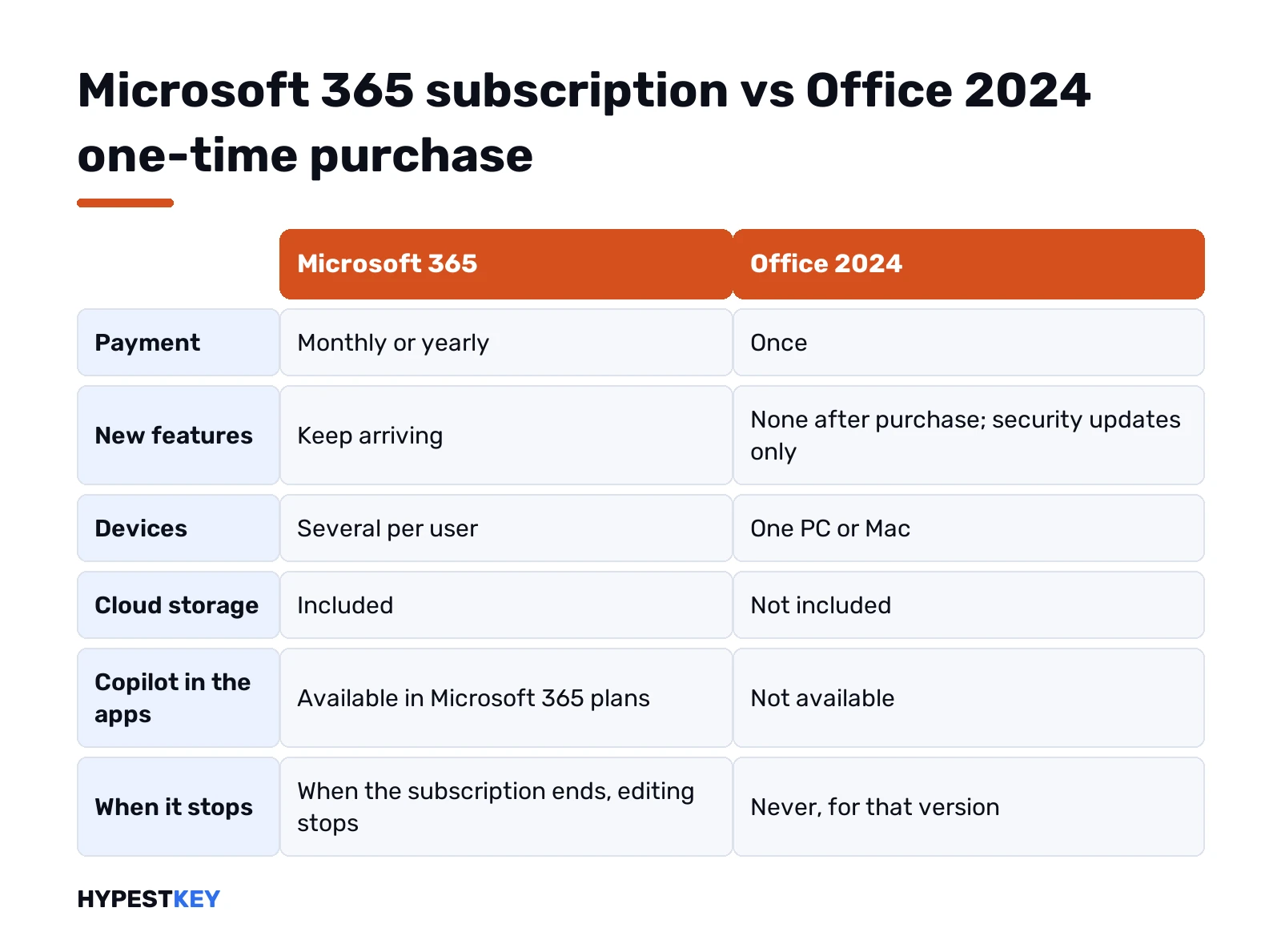
Subscription or Office 2024
| Point | Microsoft 365 | Office 2024 |
|---|---|---|
| Payment | Monthly or yearly | Once |
| New features | Keep arriving | None after purchase; security updates only |
| Devices | Several per user | One PC or Mac |
| Cloud storage | Included | Not included |
| Copilot in the apps | Available in Microsoft 365 plans | Not available |
| When it stops | When the subscription ends, editing stops | Never, for that version |
Which is cheaper depends on how many people and devices you count and for how long. We set both out in detail in Microsoft 365 vs Office 2024; the one-time route is described in Microsoft Office lifetime license.
How to start using it
- Pick a plan: Personal or Family at home, a Business plan for a company.
- Sign in with a Microsoft account, or a work account for business plans.
- Pay, or redeem a product key card at microsoft365.com/setup.
- Open Services and subscriptions in the account and select Install.
- Open Word and sign in with the same account to activate.
Business plans add a step: the administrator assigns licenses to users in the Microsoft 365 admin center first. Installation is described in installing Microsoft 365.
On which devices it runs
| Device | What runs there |
|---|---|
| Windows PC | The full desktop apps, including Access and Publisher where the plan has them |
| Mac | Word, Excel, PowerPoint, Outlook and OneNote for Mac |
| iPhone, iPad, Android | The mobile apps, signed in with the same account |
| Any browser | The web apps at microsoft365.com |
Microsoft Learn’s training material gives the usual business allowance: the apps on up to five PCs or Macs per user, plus the mobile apps on five tablets and five phones.
Personal account or work account
| Point | Microsoft account | Work or school account |
|---|---|---|
| Used for | Personal and Family plans | Business, enterprise and education plans |
| Typical address | Outlook.com, Hotmail or your own email | The company’s domain |
| Who manages it | You | The organisation’s administrator |
| Licenses assigned | By buying or redeeming | In the Microsoft 365 admin center |
Mixing the two is behind most of the usual sign-in confusion. The account shown under File, Account in Word tells you which one Office is using.
What Microsoft 365 isn’t
| Assumption | Fact |
|---|---|
| It’s only online | The desktop apps install and work offline |
| It’s a product key | Since Office 2013 the account takes the key’s place |
| It’s Windows | Windows is licensed separately; Microsoft 365 E3 and E5 add Windows Enterprise rights for businesses |
| It’s the same as Office 2024 | Office 2024 is a one-time purchase without the services |
What happens when you stop paying
The documents stay yours. On the home plans the apps switch to a reduced mode: files open and can be viewed, not edited. Storage above the free amount stops syncing.
Planning to stop? We’d download what lives only in OneDrive first, and move to a one-time version or the free web apps.
Related guides
- The redeem page and its errors: Office.com/setup errors.
- Finding a key: how to find your Office product key.
- The older comparison: Microsoft 365 vs Office 2019.
- Office editions: Office 2024 Professional Plus vs Home and Business.
- Free routes: Microsoft Office free download.
- Microsoft Office Subscription vs Purchase
- Who Owns Microsoft
- Microsoft 365 price: plans compared
- Microsoft 365 Business Standard vs Premium
- Microsoft 365 E3 explained
- How to cancel a Microsoft 365 subscription
- Outlook keeps asking for a password: fixes
- How to disable Copilot in Windows 11
Prefer to pay once? Our Office Home and Business 2024 key arrives instant to email; all versions are under Office keys.
Terms used on this page
| Term | Meaning |
|---|---|
| Microsoft 365 | Microsoft’s subscription family for the Office apps and cloud services |
| Office 365 | The former name, still used for some enterprise plans |
| Exchange Online | Microsoft’s hosted business email |
| OneDrive | Microsoft’s cloud storage |
| SharePoint | Microsoft’s service for team sites and shared documents |
| Perpetual license | A one-time purchase, such as Office 2024 |
FAQ
What is Microsoft 365?
A subscription from Microsoft that includes the Office apps, OneDrive storage and online services. Business plans add Exchange email, SharePoint and Teams. It replaced the Office 365 name in April 2020.
Is Microsoft 365 the same as Office?
It contains the Office apps, but it's a subscription. Office 2024 is the one-time purchase of the same core apps for one device. We compare them on a separate page.
What is the difference between Microsoft 365 and Office 365?
Mostly the name. Microsoft renamed the consumer and small business plans on 21 April 2020. Some enterprise plans still carry the Office 365 name.
Is Microsoft 365 free?
The web versions of the core apps are free with a Microsoft account. The desktop apps, extra storage and business services need a paid plan.
How many users can a Microsoft 365 business plan have?
Microsoft designs the Business Basic, Standard, Premium and Apps for business plans for up to 300 users. Enterprise plans have no such limit.
What happens to my files if I cancel Microsoft 365?
They stay yours. On the home plans the apps switch to a reduced mode where files can be viewed but not edited. We'd download anything that lives only in OneDrive first.
Can I use Microsoft 365 offline?
Yes, the desktop apps work offline once installed. They need to go online now and then to keep the subscription active.