Short answer: Office 2024 Professional Plus vs Home and Business in short. Professional Plus adds Access, runs on Windows only and activates with a volume key. Home and Business has the five everyday apps. It works on a PC or a Mac, through a Microsoft account.
Office 2024 Professional Plus vs Home and Business comes down to four things. Access. Mac. The way it activates. How often the PC sees the internet. The everyday apps are the same in both.
I’ll put the two side by side first. Then the fine print that comparison tables on other sites tend to get wrong.
Office 2024 Professional Plus vs Home and Business at a glance
| Office LTSC Professional Plus 2024 | Office Home and Business 2024 | |
|---|---|---|
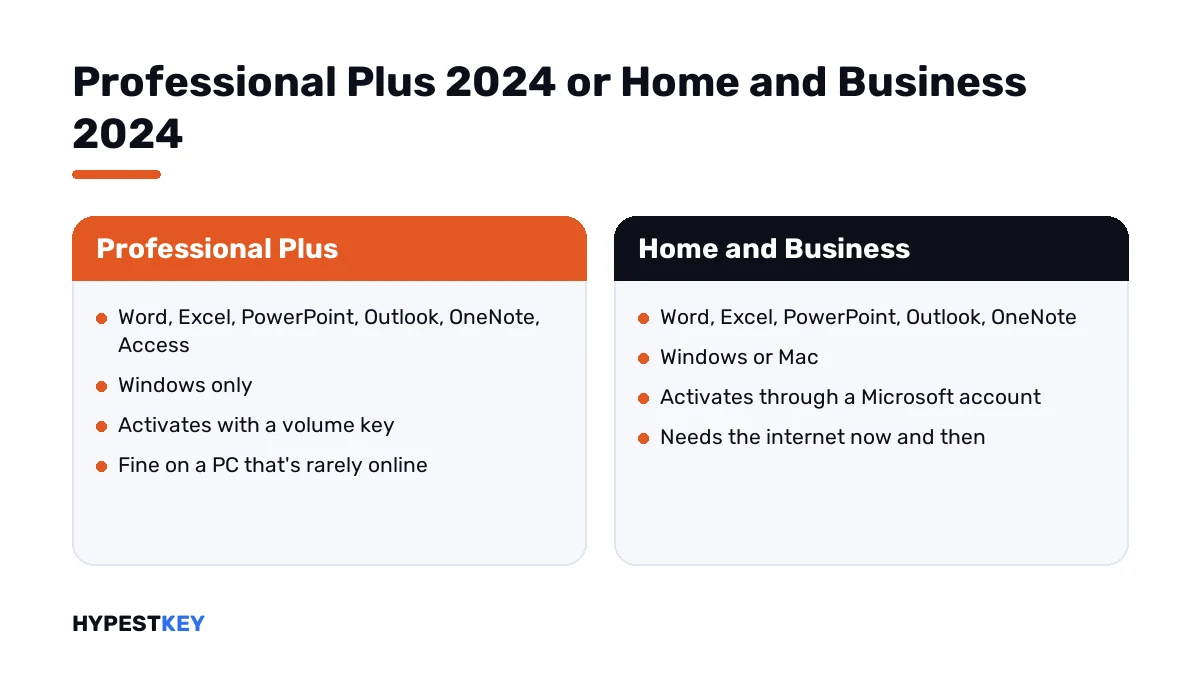
| Apps | Word, Excel, PowerPoint, Outlook, OneNote, Access | Word, Excel, PowerPoint, Outlook, OneNote |
| Access | Yes | No |
| Publisher | No | No |
| Teams | Not preinstalled; a separate download | Not included |
| Runs on | Windows only | Windows or Mac |
| Sold by Microsoft as | A volume product for organizations, licensed per device | A one-time purchase for 1 PC or Mac |
| Commercial use | Yes | Yes |
| Activation | A volume key, MAK or KMS | A Microsoft account, after you redeem the key |
| Install | Office Deployment Tool | setup.office.com |
| Internet | MAK needs it to activate; KMS doesn’t | Needed to redeem, to activate, and now and then afterwards |
The apps
Six against five. The only app that separates them is Access, the database tool. No 2024 Home edition has it. There’s no Mac build of it either.
Publisher is gone from both. Microsoft left it out of the 2024 line completely, so an older comparison that lists it under Professional Plus is out of date.
Teams isn’t inside either box. On LTSC it’s a separate download. Skype for Business can still be added during LTSC setup.
| App | Home 2024 | Home and Business 2024 | LTSC Professional Plus 2024 |
|---|---|---|---|
| Word | Yes | Yes | Yes |
| Excel | Yes | Yes | Yes |
| PowerPoint | Yes | Yes | Yes |
| OneNote | Yes | Yes | Yes |
| Outlook | No | Yes | Yes |
| Access | No | No | Yes |
| Publisher | No | No | No |
Outlook is the line between the two Home editions. That pair has its own page: Office 2024 Home vs Home and Business.
Windows or Mac
Home and Business installs on one PC or one Mac. Professional Plus is Windows only. For Mac, Microsoft’s volume line offers LTSC Standard instead, without Access.
So on a MacBook the choice is already made. Our Mac editions are in the Office for Mac section.
| System | Professional Plus 2024 | Home and Business 2024 |
|---|---|---|
| Windows 11 | Yes | Yes |
| Windows 10 | The LTSC 2019 and 2021 builds are on Microsoft’s list; for a regular install, check the product page first | Named in Microsoft’s Store listing |
| macOS | No | The three most recent versions |
| Windows Server | 2022 and 2025 | Not listed |
Memory, disk space and the rest are in Office 2024 system requirements.
How each one activates
This is the real difference, and the one almost nobody mentions.
| Step | Home and Business 2024 | LTSC Professional Plus 2024 |
|---|---|---|
| Start | Go to setup.office.com and sign in with a Microsoft account | Download the Office Deployment Tool |
| Key | Redeem the 25-character key once; it’s then tied to the account | Enter the volume key in the app or by script |
| Install | Download from your account page | The tool pulls the files from Microsoft’s servers |
| Reinstall | Sign in again; no key needed | Run the tool and enter the key again |
| Another PC later | Per the terms, a device you own, at most once every 90 days | Licensed per device |
With Home and Business, Microsoft’s own advice is to use the account, not the key, to install and activate. Lost the email? The license still sits in your account.
With LTSC there’s no account. The key is everything, so store it somewhere safe. Our Office Deployment Tool guide shows that install, and the Office 2024 installation guide covers the Home editions.
MAK, KMS and the rest of the vocabulary are untangled in Retail vs OEM vs Volume license.
The internet question
Home and Business needs the internet to redeem and to activate. It also checks in now and then to stay activated. Microsoft says plainly that it isn’t meant for fully disconnected PCs.
LTSC was built for the opposite case. A lab machine, a till, a PC on a ship. Updates can be hosted inside a company network, and KMS activation doesn’t need the internet at all.
Neither has the cloud extras of Microsoft 365. LTSC goes furthest: no real-time collaboration and no AI features.
Who may use it for work
Both. The edition that may not is plain Home 2024. Its license terms rule out commercial, non-profit and revenue-generating use.
So a freelancer needs Home and Business at least. A hobby user doesn’t need either of these two, unless Outlook or Access is the point.
How to check which Office you already have
Thirty seconds, and worth doing before you buy a second copy by accident.
- Open Word or Excel.
- Go to File, then Account.
- Read the product name under Product Information.
- Look for the letters LTSC. They mark the volume edition.
The name there is the edition. Activation trouble on a volume copy? The 0x4004F00C guide has the script that prints the license details.
Which one I’d pick
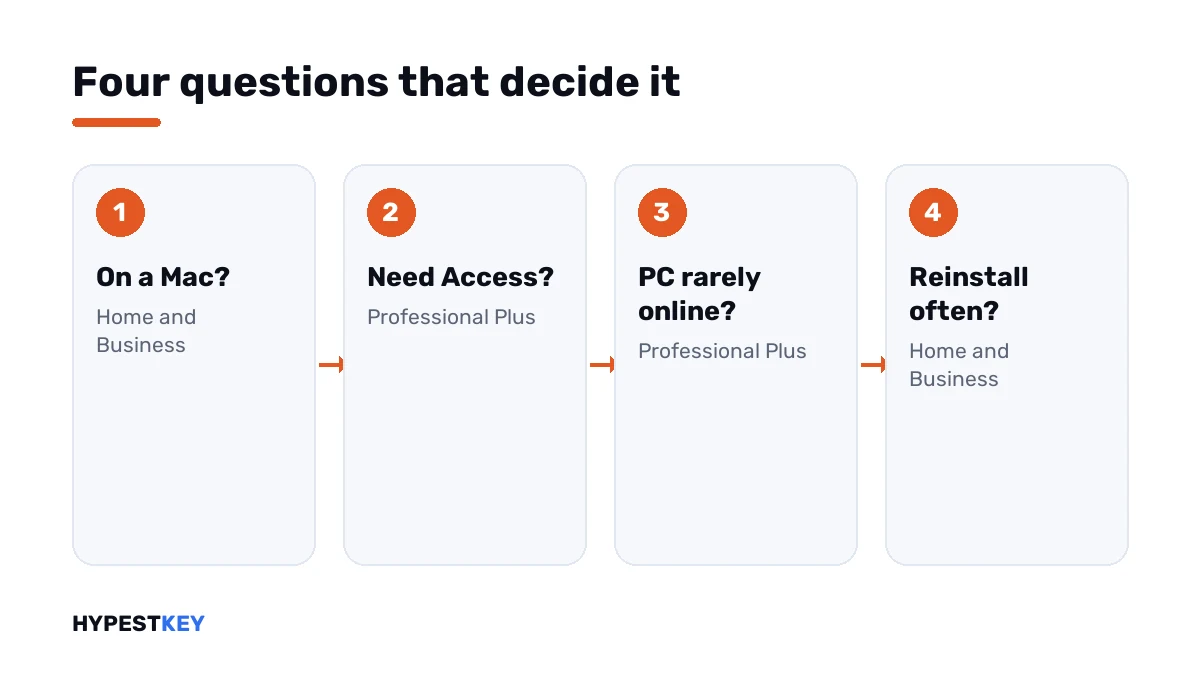
| You | Pick | Why |
|---|---|---|
| Use a Mac | Home and Business | Professional Plus doesn’t install on macOS |
| Need Access | Professional Plus | The only 2024 edition with it |
| Run a PC that’s rarely online | Professional Plus | No periodic check-in |
| Reinstall often, or lose emails | Home and Business | The license lives in your Microsoft account |
| Just need the five everyday apps on a Windows PC | Either; compare the two product pages | Same apps, different activation |
Need a key that actually sticks? Office LTSC Professional Plus 2024 and Office Home and Business 2024 are both emailed the second you pay.
We’re a trusted reseller with genuine keys. Other 2024 editions are in the Office 2024 section.
Coming from an older version? Office 2021 vs 2024 lists what changed. Still weighing a subscription? See Microsoft 365 vs Office 2024.
Mistakes we see most
| Mistake | What to do instead |
|---|---|
| Buying Professional Plus for a Mac | It’s Windows only; Home and Business is the Mac one |
| Trying to redeem an LTSC key at setup.office.com | That site is for the Home editions; LTSC installs with the Deployment Tool |
| Installing the new Office over an old one | Remove the old version first; see the Office uninstall guide |
| Expecting Publisher | It isn’t in any 2024 edition |
| Throwing away the LTSC key after the install | There’s no account behind it; the key is the license |
The second row is the one we explain most often. The site says the key is invalid, people assume the key is bad, and it was simply the wrong door.
Where this applies
The 2024 editions only. App lists and quotes come from Microsoft’s pages as they read in November 2026.
Sources I checked the facts against:
- Microsoft Support: Office 2024 and Office LTSC 2024 FAQ
- Microsoft Learn: Overview of Office LTSC 2024
- Microsoft Learn: Deploy Office LTSC 2024
- Microsoft Support: Using product keys with Office
Words on this page
| Word | Short explanation |
|---|---|
| LTSC | Long-Term Servicing Channel, Microsoft’s volume line of Office |
| Volume key | A key from the volume line, activated with MAK or KMS |
| Redeem | Tying a key to a Microsoft account at setup.office.com |
| Office Deployment Tool | Microsoft’s small installer for LTSC and other volume editions |
| Commercial use | Using the apps for paid work; allowed in both editions here, not in plain Home |
FAQ
What's the difference between Office Home and Business 2024 and Professional Plus 2024?
Access and the activation. Professional Plus adds Access, runs on Windows only and activates with a volume key. Home and Business takes a PC or a Mac. It activates through an account.
Does Office 2024 Professional Plus work on Mac?
No. Windows only. On a Mac I'd take Home and Business 2024.
Does Professional Plus 2024 include Publisher?
No. Publisher isn't part of any 2024 edition. Lists that still show it are out of date.
Does Office LTSC 2024 include Teams?
Not in the box. Microsoft offers Teams as a separate download. Skype for Business can be added during setup.
Can I use Home and Business 2024 for my company?
Yes. It carries commercial use rights. Plain Home 2024 doesn't, per its license terms.
Can I upgrade Home and Business 2024 to Professional Plus?
Not in place. They're separate products with separate installers. I'd remove the first before installing the second.
Do I need a Microsoft 365 subscription with either one?
No. Both are one-time purchases. You pay once and keep the apps, with no monthly fee.