Short answer: "This product key isn't valid" in Office usually comes from a typo or from a good key in the wrong place. Volume keys such as LTSC go into the app instead. I'd read the code under the message and paste the key from the email.
“This product key isn’t valid” is what the Office redeem page says when it can’t match the 25 characters to a product it handles. A typo is the usual cause. We see keys for other products next, and volume keys most of all. Find out which it is before trying again.
| Code under the message | What it points to |
|---|---|
| INVALID_PRODUCT_KEY | The wrong key, or a typo in it |
| ERR_INVALID_TOKEN | A typo, or a key for a version the page doesn’t offer |
| KEY_NOT_ACTIVATED | The shop didn’t activate the key when it was sold |
The codes are from Microsoft’s article Get help with product key errors on Office.com/setup.
Typos first
Read from a label or a photo, some characters look alike. Microsoft lists the pairs people confuse.
| Looks like | Could be |
|---|---|
| B | 8 |
| G | 6 |
| O | 0 |
| Q | 0 |
| W | VV |
Microsoft’s tip for keys bought online: copy the key from the confirmation email and paste it. That takes the typing out of it.
Watch for a space picked up at the start or the end while copying. It can spoil an otherwise correct paste.
The wrong key for this page
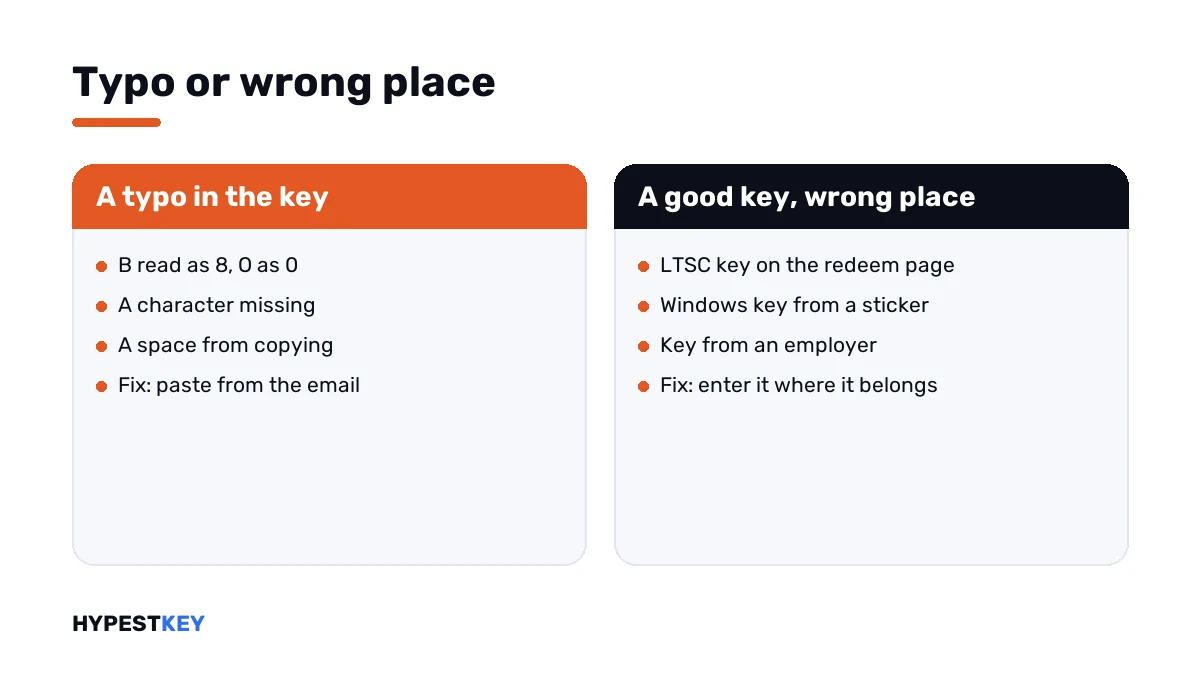
Most Microsoft products use keys of the same shape, 25 characters in five groups. So a perfectly good key can land in the wrong place.
| Key | Why the page rejects it | Where it goes |
|---|---|---|
| The key on a sticker on the PC | Normally a Windows key | Windows activation settings |
| A volume key, such as Office LTSC | Volume keys can’t be entered on the redeem page | Inside the Office app, under File, Account |
| A key from a school or an employer | A volume license agreement stands behind it | The organisation’s administrator |
| A Microsoft 365 for business key | Entered in a different location | The business setup page |
| A key for Office 2010 or earlier | Not handled on this page any more | The original installation media |
The second row is the one our buyers meet. An LTSC key typed into the redeem page gives exactly this message, and nothing is wrong with the key.
KEY_NOT_ACTIVATED
This code is different in kind. The key is right and the page is right, but the retailer never switched the key on at the point of sale.
Microsoft’s instruction is to go back to the store where Office was bought and have the key activated. Nobody else can do that step.
How to fix “this product key isn’t valid” in Office
Work through it in this order.
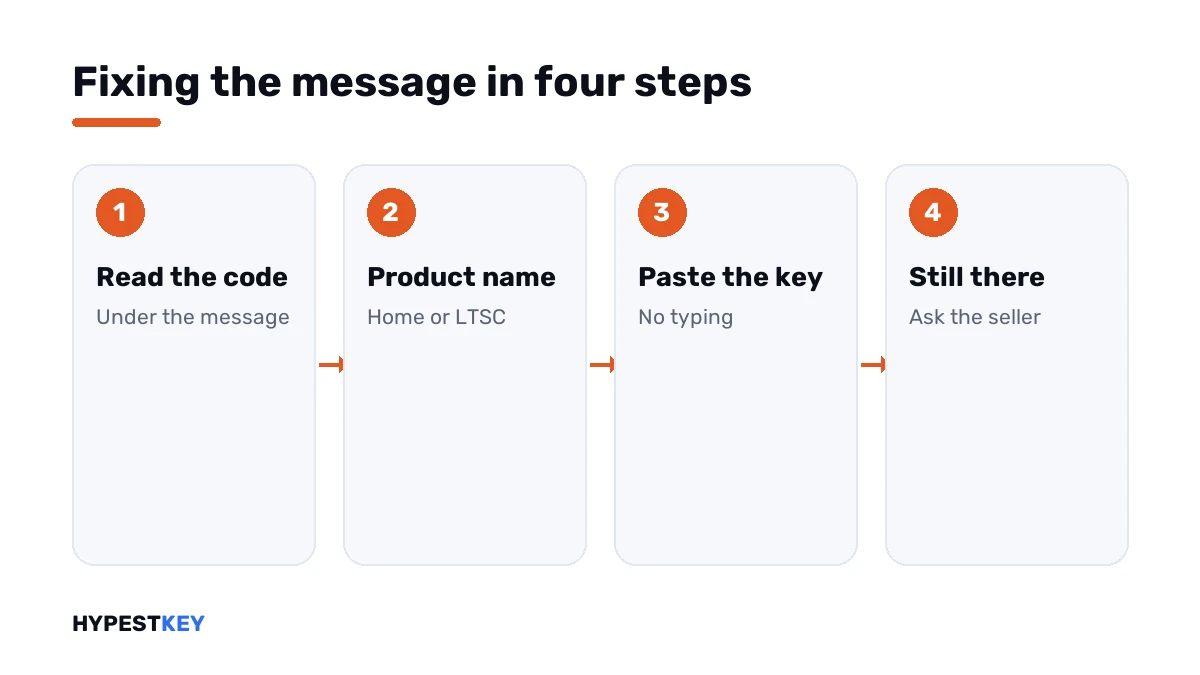
- Note the code shown under the message.
- Read the product name in your order or on the card: a Home edition, Microsoft 365 or a volume edition.
- For a volume edition such as LTSC, close the redeem page and enter the key in the app.
- For a Home edition, copy the key from the email and paste it, with no spaces around it.
- Compare the characters Microsoft lists as easy to confuse, one group at a time.
- Try once more in a private browser window, signed in to the right Microsoft account.
- If the code is KEY_NOT_ACTIVATED, or the message stays, contact the seller with the code.
Entering a volume key the right way
For an LTSC edition the path is inside the app.
| Step | Where |
|---|---|
| Open any Office app | Word or Excel will do |
| Go to the account page | File, Account |
| Change the key | Change Product Key |
| Enter the 25 characters | Paste them from the email |
The full walk-through, with the script route for administrators, is in how to activate Office 2024. The 2021 version has its own: how to activate Office 2021.
The same words inside an Office app
A similar message can come up in the app itself, when a key is typed under File, Account. There it has other causes.
| Cause | Detail |
|---|---|
| The installed edition doesn’t match the key | A Professional Plus key in a Home and Business install, or the reverse |
| The installed version doesn’t match | A 2021 key in a 2024 install |
| An older Office is still installed | Its license gets in the way of the new one |
For those, start with removing an Office product key and with Office unlicensed product. We sort out the edition names in Office 2024 Professional Plus vs Home and Business.
If the key came from us
Write to support@hypestkey.com with the order number, the code and a screenshot of the message. We check the key and the route it should take.
Our Office LTSC Professional Plus 2024 key is entered in the app. The Office Home and Business 2024 key is redeemed on the page. Both arrive instant to email.
Every other message of the redeem page is explained in Office.com/setup errors. One of them has its own page: this product key has already been used. The range of keys is under Office keys.
Mistakes we see most
- Typing an LTSC key into the redeem page and assuming the key is bad.
- Reading the key from a photo and mixing up 8 and B.
- Using the Windows key from the sticker under the laptop.
- Posting the key in a public forum to ask what’s wrong with it.
- Buying a second key before finding out where the first one belongs.
Terms used on this page
| Term | Meaning |
|---|---|
| Redeem page | Office.com/setup, where new keys for Home editions are exchanged for a product on a Microsoft account |
| Volume edition | Office for organisations, such as Office LTSC |
| Point of sale | The moment a shop sells and activates a key card |
| Private window | A browser window without stored cookies or sign-ins |
FAQ
Why does Office say this product key isn't valid?
Microsoft gives two main causes: the wrong product key, or a typo in it. The third: a key the retailer never activated. I'd read the code under the message to tell them apart.
My key is correct. Why is it still not valid?
Then it's probably in the wrong place. Volume keys, Office LTSC among them, can't be entered on the redeem page. We enter those inside the app, under File, Account.
What does INVALID_PRODUCT_KEY mean?
Microsoft shows this code for a wrong key or a typo. I'd paste the key from the email and compare the look-alike characters: B and 8, G and 6, O and 0.
What does KEY_NOT_ACTIVATED mean?
The retailer didn't activate the key at the point of sale. Microsoft says to go back to the store for that. We can only help with keys bought from us.
Can I use the key from the sticker on my PC for Office?
Usually not. Microsoft notes that those stickers normally carry a Windows key. I'd check the product name printed on the sticker.
Does a wrong attempt block the key?
A rejected attempt doesn't redeem the key. I wouldn't keep guessing, though. We'd stop after two tries and find the cause from the code.
Where do I enter an Office LTSC key?
Inside an Office app: File, Account, Change Product Key. Administrators can use the licensing script as well. Our Office 2024 activation guide shows both ways.