Short answer: "This product key has already been used" means the Office product is already on a Microsoft account. We sign in to that account, open Services and subscriptions and install from there. If you never redeemed the key, I'd contact the seller.
“This product key has already been used” means the key was redeemed earlier and the Office product now sits on a Microsoft account. It doesn’t mean Office can’t be installed. From here on, we install and activate with that account, not with the key.
| Question | Short answer |
|---|---|
| Is the key broken? | No. It did its job once and isn’t needed again |
| How do I install Office now? | From Services and subscriptions on the Microsoft account |
| How do the apps activate? | By signing in with that account |
| What if I never redeemed it? | Then someone else did, and the seller has to answer for the key |
This follows Microsoft’s support article “This product key has already been used” error in Office.
What the message means
A key for a Home edition of Office or for Microsoft 365 is redeemed once. Microsoft says it isn’t meant to be re-used or shared.
Redeeming adds the product to the Microsoft account that was signed in at that moment. The license lives there from then on.
So the redeem page has nothing left to do with this key. Microsoft puts it plainly. The site is only for new, unused keys. For a reinstall we don’t go back to it.
When the message appears
| Situation | What happened |
|---|---|
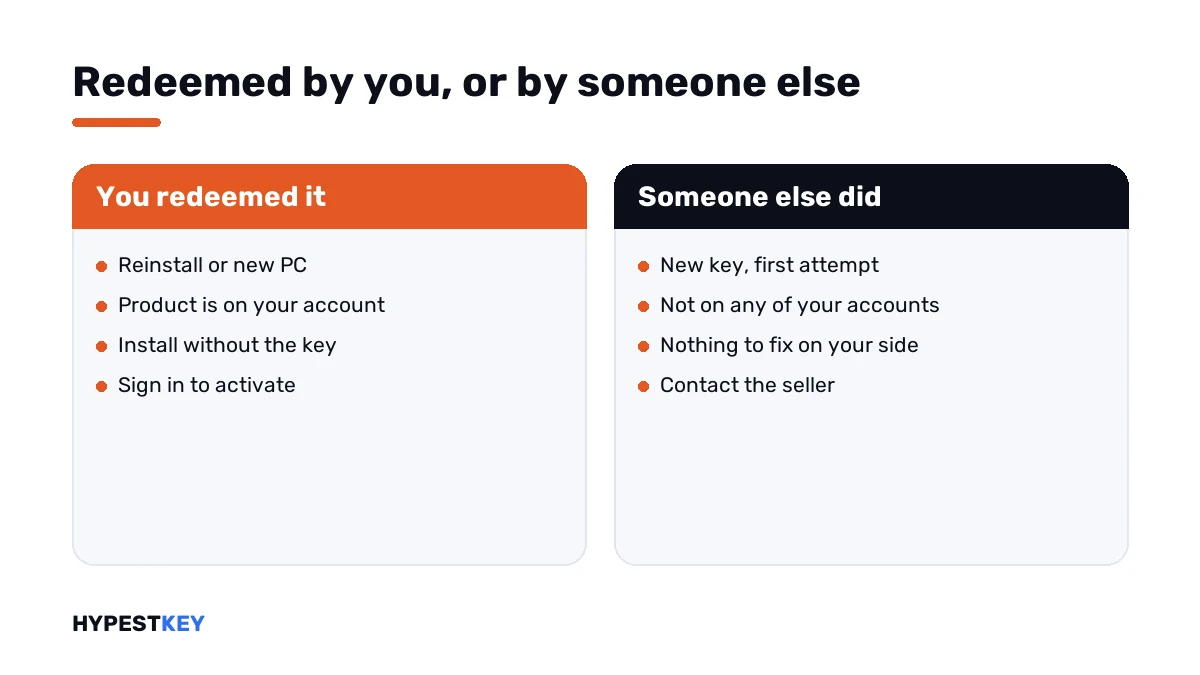
| Reinstalling Office on the same PC | You redeemed the key the first time; the product is on your account |
| Setting up a new PC | The same; sign in instead of entering the key |
| A relative enters your Microsoft 365 Family key | The key is redeemed to your account; sharing works differently |
| You redeemed it on another of your accounts | The product is there, under a different email address |
| A brand-new key shows it on the first attempt | Someone else redeemed it before you |
The first four are harmless. The last one isn’t, and it has its own section below.
How to install Office when the product key has already been used
You need the account, not the key.
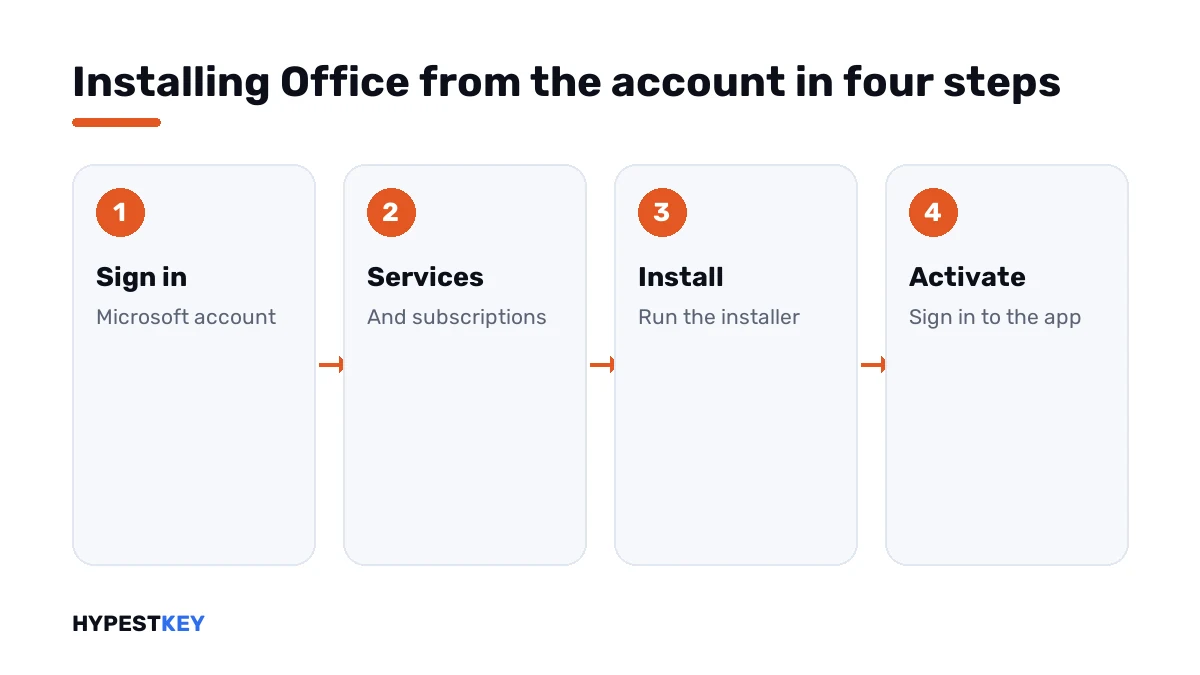
- Go to account.microsoft.com and sign in with the Microsoft account you used when you first redeemed the key.
- Open Services and subscriptions.
- Find the Office product in the list and select Install.
- Run the installer that downloads.
- Open Word or Excel and, when asked to activate, sign in with the same account.
- Check File, Account: the product name and “Product Activated” should show.
Microsoft suggests bookmarking the Services and subscriptions page. That’s the place for every later reinstall.
Finding the right account
The product isn’t in the list? Then it’s probably on another account. Microsoft’s advice is to sign in with the account you used to buy or redeem Office.
| Where to look | Why |
|---|---|
| Every email address you own | Many people have an old Outlook or Hotmail address they forgot |
| The inbox of each address | A message from Microsoft about the product may still be there |
| A work or school address | If you signed in with it by mistake, the product may be tied to it |
| A family member’s account | Whoever set the PC up may have redeemed the key |
| An Office app that still runs | File, Account shows the address the product belongs to |
The last row is the quickest if Office is still installed somewhere. I’d look there first.
Sharing Microsoft 365 Family
Family plans cause this message more than anything else. The owner redeems the key, then sends it to the others, and they all see “already used”.
Microsoft’s instruction is not to pass the key on. The owner shares the subscription from the Microsoft account, by email or by link. Each person then installs from Services and subscriptions on their own account.
If you never redeemed the key
A new key that reports “already used” on the first try was redeemed by someone else. No setting on your side changes that.
| Where the key came from | What to do |
|---|---|
| From us | Write to support@hypestkey.com with the order number and a screenshot |
| From another shop | Contact that seller with the receipt |
| Second hand, or from an auction site | The key was most likely used by its first owner |
| Unsure whether it’s blocked | Microsoft’s Virtual support agent can check a key and pass you to a live agent |
Don’t post the key in a forum to ask about it. Anyone who reads it can try it.
Volume editions work differently
This message belongs to the redeem page and to the Home editions. Volume editions such as Office LTSC aren’t redeemed at all.
Their key goes into the app under File, Account. Our Office LTSC Professional Plus 2024 key works that way; the steps are in how to activate Office 2024.
The Office Home and Business 2024 key is the redeemed kind. It goes onto one Microsoft account, once. Both arrive instant to email.
Related messages
- All messages of the redeem page: Office.com/setup errors.
- The key is rejected as wrong: this product key isn’t valid.
- Installed, yet unlicensed: Office unlicensed product.
- Activation fails in the app: Microsoft Office product activation failed.
- A wrong key is stuck in the installation: remove an Office product key.
- The 2021 route: how to activate Office 2021.
The range of keys is under Office keys.
Mistakes we see most
- Buying a second key because the first one “stopped working”.
- Redeeming on whichever account the browser happened to be signed in to.
- Sending the Family key to relatives.
- Going back to the redeem page for every reinstall.
- Throwing away the email that shows which account was used.
Terms used on this page
| Term | Meaning |
|---|---|
| Redeem | Exchanging a key for an Office product on a Microsoft account |
| Services and subscriptions | The page of a Microsoft account that lists its Office products and offers Install |
| One-time purchase | Office bought once, as opposed to a subscription |
| Volume edition | Office for organisations, activated with a key in the app |
FAQ
What does "this product key has already been used" mean in Office?
The key was redeemed before, and the product was added to a Microsoft account. Microsoft says the message doesn't stop you from installing or activating. We install from the account instead.
How do I install Office if the key is already used?
Sign in at account.microsoft.com with the account that redeemed the key. Open Services and subscriptions and select Install. I'd sign in to the app with the same account to activate.
Can I use an Office product key twice?
No. Microsoft says a key is redeemed once and isn't meant to be re-used or shared. After that the Microsoft account carries the license, and we don't need the key again.
I can't remember which account I used. What now?
Try every email address you own on the Services and subscriptions page. An Office app that still runs shows the address under File, Account. I'd search old inboxes for Microsoft's confirmation too.
My new key says already used. Is it my fault?
Not if this was your first attempt. Then someone redeemed it earlier. I'd write to the seller with the order number and a screenshot.
Can I share my Microsoft 365 Family key with my family?
Not the key. Microsoft says the others will see the same message. The owner shares the subscription from the Microsoft account, and we'd send the invitation link.
Does this message appear with Office LTSC?
Not normally. LTSC belongs to the volume editions, and its key is entered in the app, not redeemed. I'd expect a different message there if something is wrong.