Short answer: The 0xC004E028 activation error appears when you try to activate a device that's already in the process of activation. I'd wait a few minutes and read the status under Settings, System, Activation. Windows is often activated by then. If not, restart and send one single request.
The 0xC004E028 activation error appears when Windows is asked to activate while an earlier request is still running. It isn’t a refusal. It’s closer to “one moment, please”.
| Question | Short answer |
|---|---|
| What went wrong? | Nothing yet; two requests overlapped |
| What should I do? | Wait a few minutes and read the activation status |
| And if the code keeps coming? | Restart, then send one single request |
Windows may well be activated by the time you’ve read the message. Check before you do anything else.
What 0xC004E028 stands for
Microsoft’s activation errors page explains it in two sentences.
You might see this error if you try to activate a device that is already in the process of activation. Your device should be activated after the first request is completed.
So the first request is the one that counts. The second only bumped into it.
Causes
| Cause | Detail |
|---|---|
| Activate pressed twice | The first click was still working when the second came |
| Settings and the command line together | A key entered in Settings, and the activation line run at the same moment |
| Windows activating in the background | After a key change Windows starts activation by itself; your click arrives on top |
| A script that retries too fast | Setup scripts on new company PCs fire several requests in a row |
| Slow connection | The first request takes long enough for impatience to win |
How to fix the 0xC004E028 activation error
The fix is mostly patience, in a fixed order.
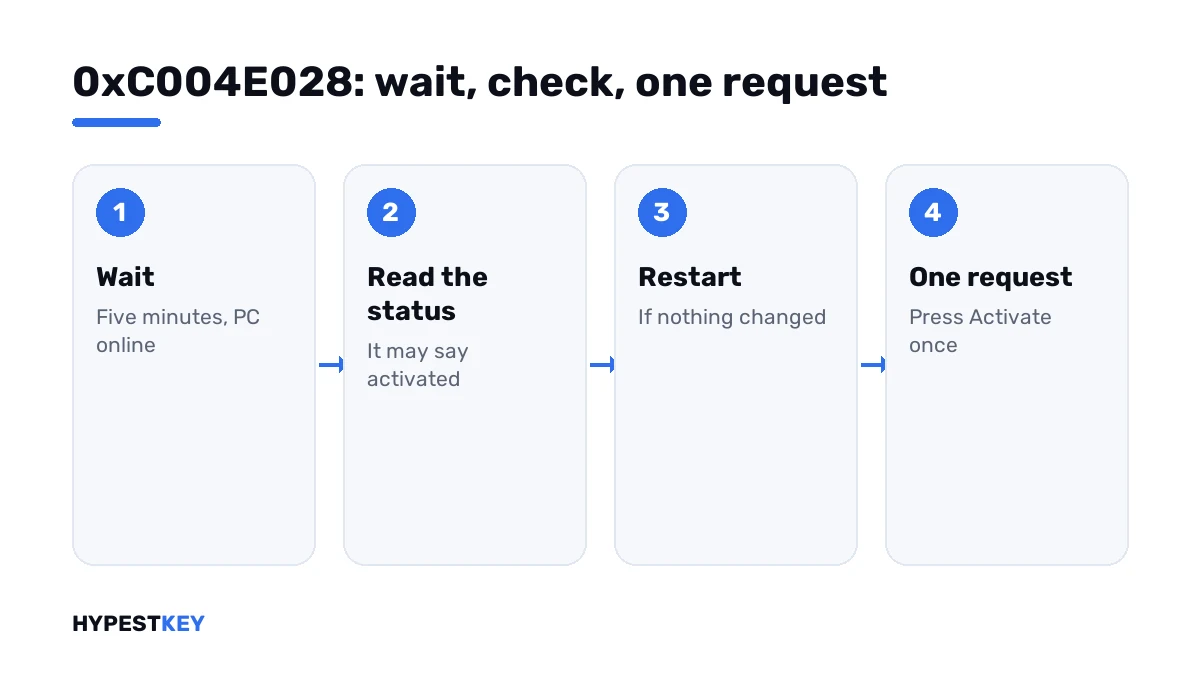
- Close the error message and leave the PC online for five minutes.
- Open Settings, System, Activation and read the status line.
- If it says Windows is activated, you’re done; the first request went through.
- If not, restart the PC, sign in and wait two more minutes.
- Check the status again, then press Activate once, or run the activation line once.
- If the code returns after a restart, restart the licensing service with the two service lines and try a single time.
- Still there: press Troubleshoot on the Activation page.
slmgr /xpr
slmgr /ato
net stop sppsvc
net start sppsvc| Line | What it does |
|---|---|
slmgr /xpr |
Shows whether the machine is activated |
slmgr /ato |
Sends one activation request |
net stop sppsvc |
Stops the Software Protection service |
net start sppsvc |
Starts it again with a clean slate |
The service lines need Command Prompt opened as administrator. Windows starts the service again by itself when it’s needed, so a stop followed by a new request works too.
Reading the status
The Activation page and the status line of the command prompt tell the same story.
| What you read | What it tells you |
|---|---|
| “Windows is activated with a digital license” | Done; ignore the earlier message |
| “Windows is activated with a digital license linked to your Microsoft account” | Done, and prepared for hardware changes |
| “The machine is permanently activated” | Done; that’s the command line’s wording |
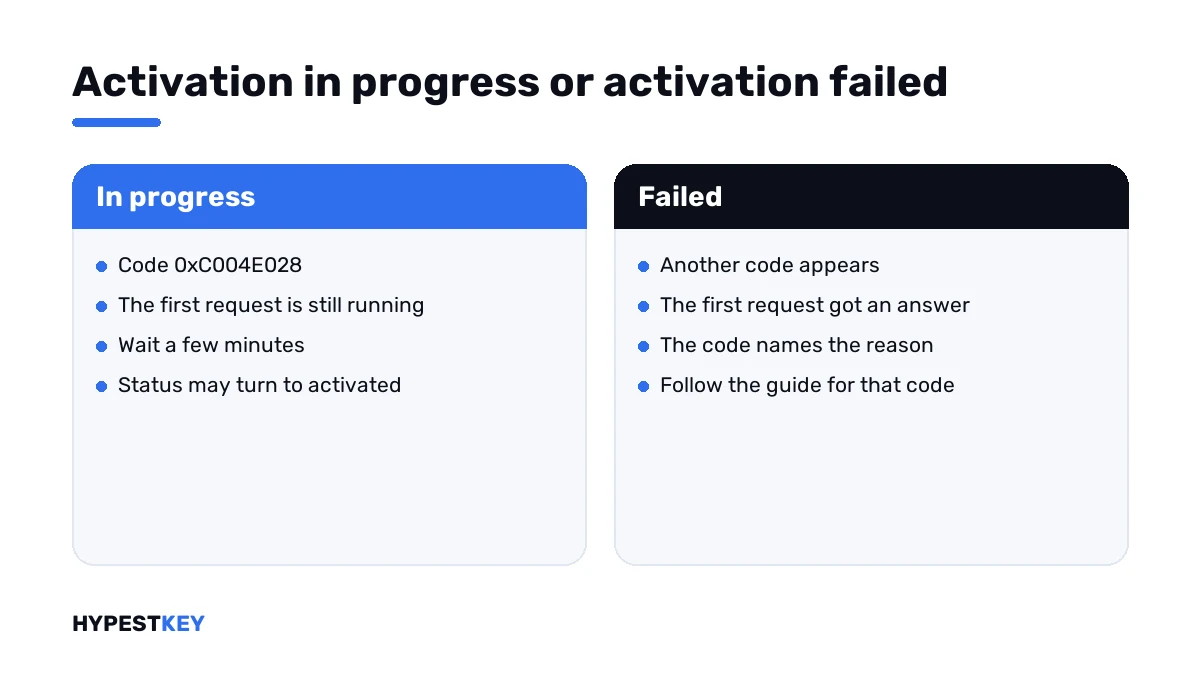
| “Windows is not activated” with this code | The first request is still open, or it failed quietly; wait, then one new try |
| “Windows is not activated” with another code | The first request got an answer; follow that code |
When another code follows
Once the first request finishes, it either activates the PC or returns its own number. That second number is the real news.
| Code | What it points at |
|---|---|
| 0xC004C012 | The activation server was temporarily unavailable |
| 0xC004FC03 | No internet, or a firewall in the way |
| 0xC004C003 | The key is blocked |
| 0xC004C770 | The key is already used on another device |
| 0xC004F050 | The key isn’t valid for this edition |
Every other number is in our list of Windows 11 activation errors.
For admins: scripts and images
On freshly deployed PCs this code is usually self-made. A setup script installs the key and asks for activation while Windows is already doing so.
- Install the key and let Windows activate by itself, or call activation once at the end.
- Put a pause between installing the key and asking for activation.
- Don’t loop on failure without a delay.
Volume keys and their activation routes are compared in Retail vs OEM vs Volume license. Server editions have their own guide, Windows Server 2022 activation.
If there’s no key on the PC yet
The code can also show after someone pressed Activate on a PC that has nothing to activate with. What follows then is a message about a missing license.
Need a key? Ours are genuine and arrive instant to email: Windows 11 Pro and Windows 10 Pro. For the key field and the status lines, I’d open how to activate Windows 11.
Where these steps apply
| System | Notes |
|---|---|
| Windows 11 and Windows 10 | All steps as written; on Windows 10 Activation sits under Update & Security |
| Windows Server | Same commands; scripts are the usual trigger |
| Work devices | Leave the service alone and tell IT |
Mistakes we see most
- Clicking Activate again and again.
- Entering the key a second time while the first try runs.
- Not checking whether Windows is already activated.
- Reinstalling Windows over a message that asks for patience.
- Buying another key.
Terms used on this page
| Term | Meaning |
|---|---|
| Activation request | The message your PC sends to Microsoft to get activated |
| Software Protection service | The Windows service that handles licensing; its short name is sppsvc |
| Status line | The sentence on the Activation page that says whether Windows is activated |
| Digital license | Activation stored on Microsoft’s side, with no key to type |
| Troubleshooter | The Troubleshoot link on the Activation page |
FAQ
What does error 0xC004E028 mean?
The device was already in the process of activation when you asked again. Microsoft adds one thing. It should be activated after the first request is completed. I'd read it as a notice to wait.
How do I fix 0xC004E028?
Wait five minutes with the PC online, then open Settings, System, Activation. If Windows isn't activated yet, restart and press Activate once. Repeated clicks only bring the code back.
Is Windows activated even though I saw this error?
It can be. The first request keeps running and can succeed after the message. The status line on the Activation page gives the answer. We'd check it before touching anything.
How long should I wait?
A few minutes are usually enough on a normal connection. After a restart and two more minutes, I'd send a single new request. Hours of waiting aren't needed for this code.
Does this error say my key is wrong?
No. It says nothing about the key. If the key is the problem, the first request comes back with its own code, and that code names the reason.
Why do I get 0xC004E028 from a deployment script?
The script asks for activation while Windows is already activating after the key was installed. We'd call activation once, at the end, with a pause after the key goes in.
Is it safe to restart the Software Protection service?
Yes, on your own PC. Windows starts it again when licensing is needed, and no license is lost. On a work device, I'd leave it to IT.