Short answer: The 0xC004F075 activation error says the operation can't be completed because the licensing service is stopping. It's usually a matter of timing. I'd try again, restart the PC, start the Software Protection service by hand and activate once more. Recurring cases call for system file repair.
The 0xC004F075 activation error appears when the Windows licensing service is shutting down at the moment something asks it to work. The request arrives at the wrong second and bounces.
| Question | Short answer |
|---|---|
| Is the key at fault? | No; the service never looked at it |
| What helps most? | A restart, then one new try |
| And if it keeps coming? | Start the service by hand, then repair system files |
In full it reads: “The Software Licensing Service reported that the operation cannot be completed because the service is stopping.”
What 0xC004F075 stands for
Licensing in Windows is handled by one background service, Software Protection. It starts when it’s needed and stops again when it has nothing to do.
Ask it for activation while it’s on its way down, and you get this number. Timing is the whole story in most cases.
Microsoft has no troubleshooting article for the code. It isn’t on the activation errors page either. The message is the documentation.
Windows Update can show the same number. It asks the licensing service too, and it can catch it at the same bad moment.
Causes
| Cause | Detail |
|---|---|
| Bad timing | The service was stopping after an earlier task |
| Shutdown or restart in progress | A script or an update fired activation while Windows was going down |
| Several requests at once | A setup script that stops and starts the service between its lines |
| Service that can’t stay up | Damaged system files or a broken license store |
| Software that interferes | Security suites or leftover activator tools that stop the service |
How to fix the 0xC004F075 activation error
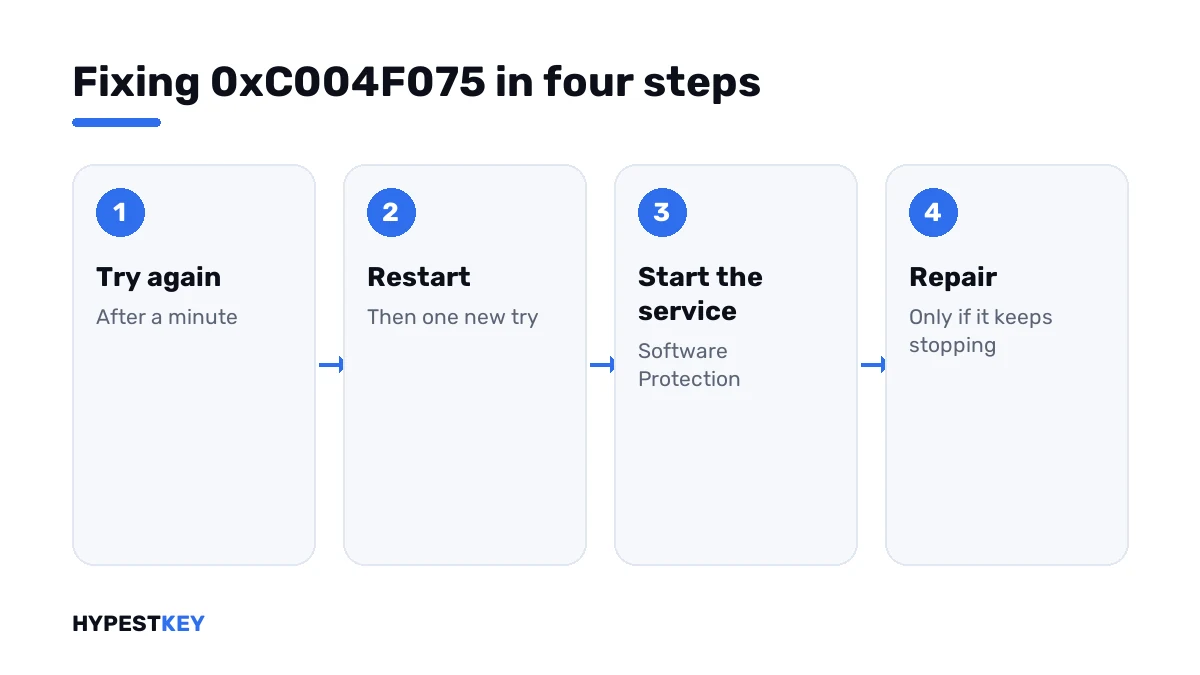
Most of the time step 2 is the last one you need.
- Wait a minute and try the same thing once more.
- If the code returns, restart the PC and try again after signing in.
- Still there: open Command Prompt as administrator and start the Software Protection service.
- Run the activation line, or press Activate under Settings, System, Activation.
- If the service won’t start or stops again at once, run the two repair lines and restart.
- Run the Activation troubleshooter.
- Confirm with the expiry line.
net start sppsvc
slmgr /ato
sfc /scannow
DISM /Online /Cleanup-Image /RestoreHealth
slmgr /xpr| Line | What it does |
|---|---|
net start sppsvc |
Starts the Software Protection service |
slmgr /ato |
Asks for activation |
sfc /scannow |
Checks and repairs protected system files |
DISM /Online /Cleanup-Image /RestoreHealth |
Repairs the component store behind them |
slmgr /xpr |
Shows whether the machine is activated |
Don’t set the service to start automatically. Windows manages it on demand, and that’s how it’s meant to run.
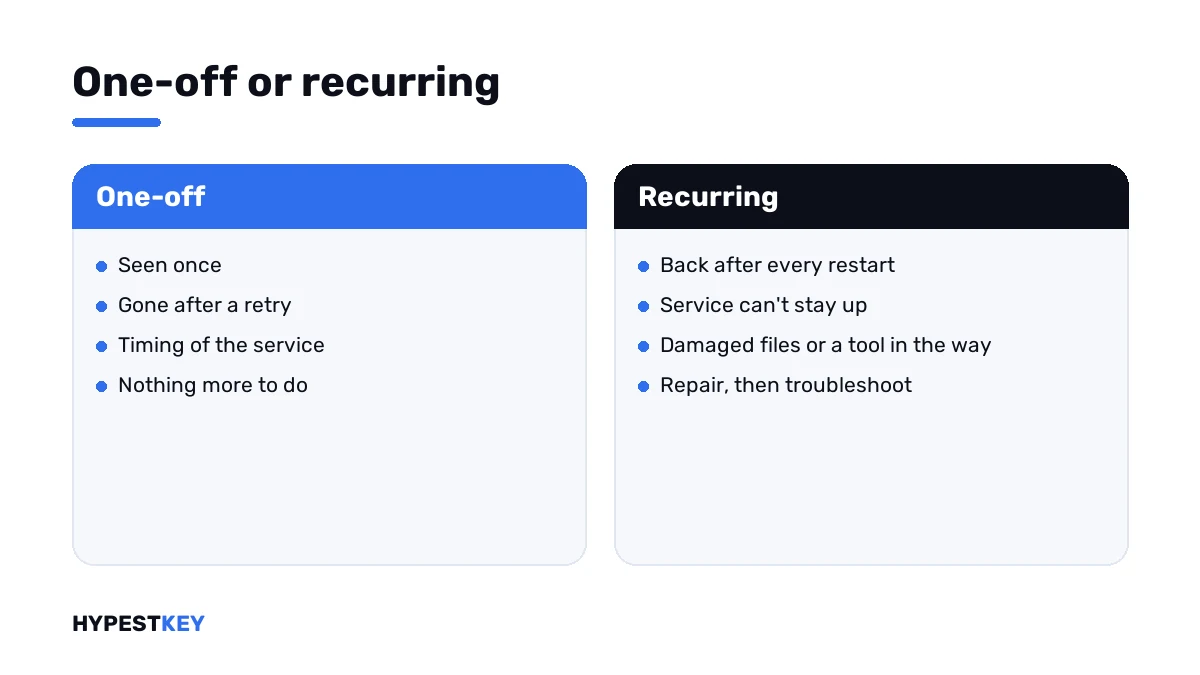
One-off or recurring
The difference decides how much effort the code deserves.
| Pattern | Reading | What I’d do |
|---|---|---|
| Seen once, gone after a retry | Timing | Nothing more |
| Only from one script | The script trips over the service | Add a pause between its lines |
| Every time, also after a restart | The service can’t stay up | Repair lines, then the troubleshooter |
| Started after installing a tool | That tool interferes | Remove it and restart |
A license store that’s damaged shows its own number in the end, 0xC004F012. That page has the rebuild steps.
In deployment scripts
Administrators meet this code in setup scripts more than anywhere else.
- Don’t stop the service between the key line and the activation line.
- Put a short pause after installing the key.
- Call activation once, at the end.
- Don’t run activation in a shutdown or restart task.
Two requests that overlap produce a sister code, 0xC004E028. The cure is the same patience.
When another code follows
Once the service runs, activation gets a real answer. That answer is the one to act on.
| Code | What it points at |
|---|---|
| 0xC004F050 | The key isn’t valid for this edition |
| 0xC004C003 | The key is blocked |
| 0xC004F074 | A company KMS server didn’t answer |
| 0xC004FC03 | No internet, or a firewall in the way |
| 0x80004005 | An unspecified failure; system repair comes first |
The rest are in our list of Windows 11 activation errors.
No key on the PC yet? Ours are genuine and arrive instant to email: Windows 11 Pro and Windows 10 Pro. The key field is shown in how to activate Windows 11.
Where these steps apply
| System | Notes |
|---|---|
| Windows 11 and Windows 10 | All steps as written |
| Windows Server | Same commands; scripts are the usual trigger there, see our Windows Server 2022 activation guide |
| Work devices | Leave services and repairs to IT |
Mistakes we see most
- Changing the key after a timing error.
- Forcing the service to start automatically.
- Firing the same line ten times in a row.
- Reinstalling Windows before trying a restart.
- Running “service fixer” tools from download sites.
Terms used on this page
| Term | Meaning |
|---|---|
| Software Protection service | The Windows service that handles licensing; short name sppsvc |
| On demand | Started when needed and stopped when idle |
| License store | The files where Windows keeps its licensing data |
| System File Checker | The tool that repairs protected Windows files |
| Activation troubleshooter | The Troubleshoot link on the Activation page |
FAQ
What does error 0xC004F075 mean?
The Software Licensing Service reported that the operation cannot be completed because the service is stopping. The request came while the service was shutting down. I'd simply try again first.
How do I fix 0xC004F075?
Retry after a minute, then restart the PC. If the code stays, start the Software Protection service from an administrator Command Prompt and run the activation line once.
Is my product key the problem?
No. The service stopped before it could look at any key. We'd only think about the key when a different code appears after the service runs.
Should I set the Software Protection service to Automatic?
I wouldn't. Windows starts it when licensing work comes up and stops it afterwards. That's its normal behaviour. Forcing it to run all the time doesn't fix the cause.
Why does Windows Update show 0xC004F075?
Windows Update asks the licensing service as part of its checks. If the service is stopping at that moment, the update reports the same number. A restart usually clears both.
The service stops again right after I start it. What now?
Then something is damaged or interfering. Run the System File Checker and the DISM repair line, restart and try again. We'd also remove recently installed tools that touch licensing.
Why do my deployment scripts hit this error?
The script asks for activation while the service is being stopped or restarted by an earlier line. I'd add a pause after installing the key and call activation once at the end.