Short answer: The 0x80004005 activation error stands for an unspecified failure during Windows activation. Microsoft's advice is the Activation troubleshooter, then a reset. In between, I'd restart, check the clock and connection, repair system files with the two built-in tools and enter the key again.
The 0x80004005 activation error is the one that explains nothing. Windows tried to activate, something failed, and all it reports back is “unspecified error”.
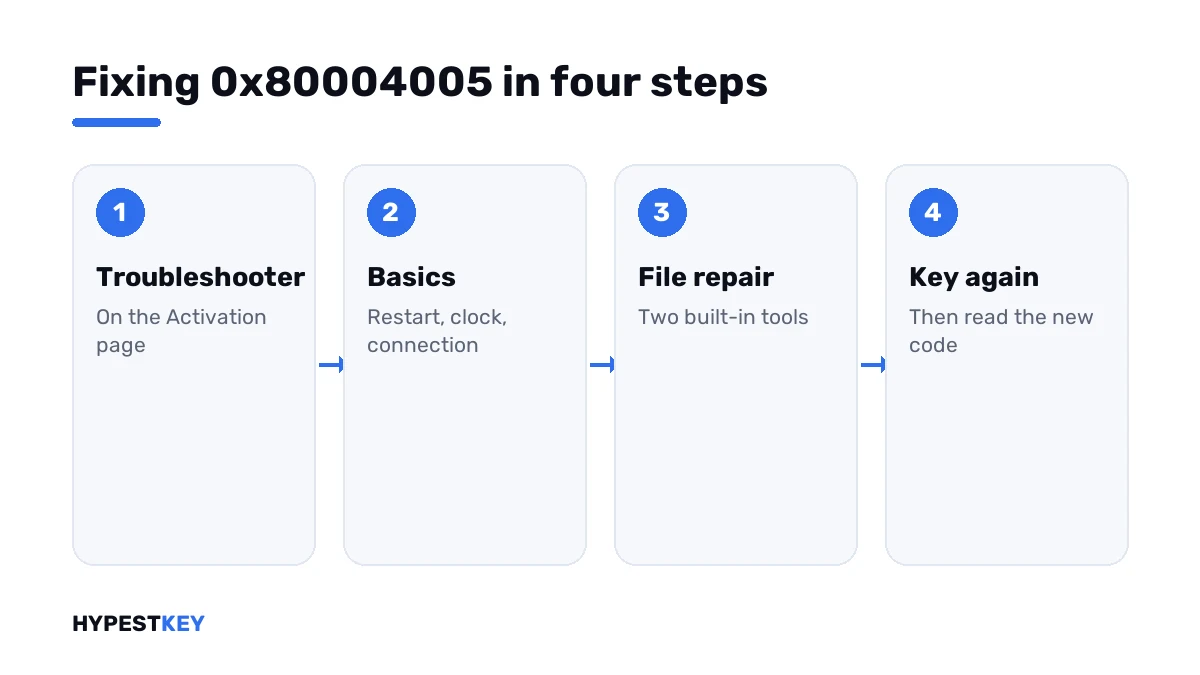
| Step | Why in this order |
|---|---|
| Activation troubleshooter | Microsoft’s own first answer for this code |
| Restart, clock, connection | Cheap, and they clear a surprising share |
| System file repair | Fixes damaged licensing components without touching your files |
| The key again, then the phone | Separates a PC problem from a key problem |
| Reset | Microsoft’s last resort for this code |
The same number turns up all over Windows, in updates, shared folders and archives. This page is only about activation.
What 0x80004005 stands for
It’s a general failure code. Programmers call it E_FAIL, and Windows prints it when no better number is available.
On Microsoft’s activation errors page the entry for it has no cause at all, only two steps.
- Run the Activation troubleshooter.
- If that doesn’t work, you might need to reset your device.
Between those two sits a lot of room. I’d fill it with the checks below before resetting anything.
What tends to be behind it
| Possible cause | How it shows |
|---|---|
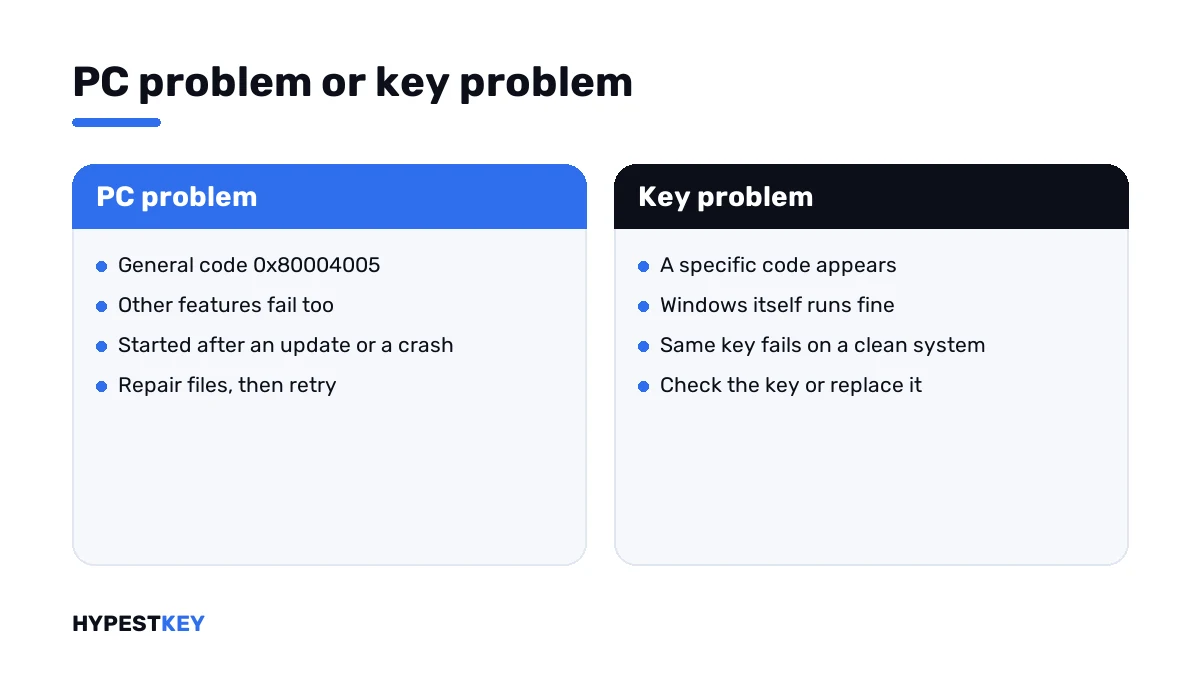
| Damaged system or licensing files | Other Windows features fail with the same number |
| An interrupted update | The trouble started right after a failed update or a forced shutdown |
| Security software in the way | Activation works after the suite is paused |
| Wrong clock or shaky connection | Other online features complain as well |
| Leftovers of an activator tool | The PC was “activated” with a crack at some point |
| A key that doesn’t fit | After the repairs, a more precise code appears |
Microsoft names none of these for the code. They’re what the general number usually hides, and each has a test.
How to fix the 0x80004005 activation error
Take the steps in order and try to activate after each one.
- Open Settings, System, Activation and press Troubleshoot.
- Restart the PC, check the date and time, and make sure websites open.
- Pause third-party security software for the test.
- Open Command Prompt as administrator and run the two repair lines, then restart.
- Press Change product key and enter your key again, or run the activation line.
- If the key is valid and online activation still fails, use phone activation.
- Last: back up your files and reset the PC with “Keep my files”.
sfc /scannow
DISM /Online /Cleanup-Image /RestoreHealth
slmgr /ato
slui 4| Line | What it does |
|---|---|
sfc /scannow |
Checks protected system files and replaces damaged ones |
DISM /Online /Cleanup-Image /RestoreHealth |
Repairs the component store that the first tool draws from |
slmgr /ato |
Asks for online activation |
slui 4 |
Opens phone activation; on the newest Windows 11 builds, use the Activation page instead |
If the first repair line reports files it couldn’t fix, run the second one and then the first again.
When a clearer code appears
That’s good news. A repaired system can finally say what’s wrong.
| Code | What it points at |
|---|---|
| 0xC004F050 | The key isn’t valid for this edition |
| 0xC004C003 | The key is blocked |
| 0xC004C770 | The key is already used on another device |
| 0xC004F213 | No product key was found on the device |
| 0x80072F8F | Wrong date and time, or a failed secure connection |
| 0xC004FC03 | No internet, or a firewall in the way |
All of them, sorted by cause, are in our list of Windows 11 activation errors.
After an activator tool
A PC that once ran a crack is a common home for this code. We find replaced licensing files there, and tasks that fight the real activation.
- Uninstall the tool and delete its scheduled tasks.
- Run a full scan with Windows Security.
- Run the two repair lines from above.
- Then enter a genuine key.
If the system stays unstable after that, a reset is the faster cure. Our clean install guide covers the thorough version.
Need a genuine key for the fresh start? Ours arrive instant to email: Windows 11 Pro and Windows 10 Pro. Where it goes is shown in how to activate Windows 11.
The reset, if it comes to that
Microsoft’s own page ends there for this code, so it’s a legitimate step and not a defeat.
| Option | What stays | What goes |
|---|---|---|
| Reset with “Keep my files” | Documents, pictures, the license | Installed apps and settings |
| Reset with “Remove everything” | The license | Everything else |
| Clean install from USB | The license, if it’s a digital one or you have the key | Everything else |
A digital license comes back by itself once the PC is online. With a key, keep the 25 characters at hand before you start.
The reset sits under Settings, System, Recovery. Back up first, even with “Keep my files”.
Where these steps apply
| System | Notes |
|---|---|
| Windows 11 | All steps as written |
| Windows 10 | Activation and Recovery sit under Settings, Update & Security |
| Work devices | Leave repairs and resets to IT |
Mistakes we see most
- Resetting first and troubleshooting never.
- Following fixes for the same number in shared folders or archives.
- Editing the registry on advice from a forum.
- Buying a new key before the PC can say what’s wrong.
- Skipping the backup before a reset.
Terms used on this page
| Term | Meaning |
|---|---|
| Unspecified error | A failure that Windows reports without a reason |
| Activation troubleshooter | The Troubleshoot link on the Activation page |
| System File Checker | The tool that repairs protected Windows files |
| DISM | The tool that repairs the Windows component store |
| Reset this PC | A reinstall of Windows from within Settings |
| Digital license | Activation stored on Microsoft’s side, with no key to type |
FAQ
What does error 0x80004005 mean in Windows activation?
It's an unspecified error. Windows couldn't finish activation and has no precise reason to give. Microsoft's entry for it lists the Activation troubleshooter first. I'd start there.
How do I fix 0x80004005 when activating Windows?
Run the troubleshooter under Settings, System, Activation. Then restart and check the clock and the connection. Next come the two system repair lines and the key once more. A reset comes last.
Is my product key the problem?
Usually not with this number. A key problem brings a more specific code. After the repair steps, we'd enter the key again and read what Windows says then.
Do the repair commands delete my files?
No. The System File Checker and DISM only work on Windows' own files. Documents, apps and settings stay as they are. I'd still keep a backup of anything important.
Should I reset my PC for this error?
Only at the end. Microsoft does name the reset for this code, after the troubleshooter. With "Keep my files", documents stay and apps go. We'd back up first either way.
Is this the same 0x80004005 as in Windows Update or shared folders?
The number is the same and the cause isn't. It's a general code that many parts of Windows use. Fixes for updates or network shares don't help with activation.
Can I activate by phone when this error appears?
Yes, if the key is valid. Phone activation goes around the online service. Microsoft excludes two editions. Pro Education and Pro for Workstations activate over the internet only.