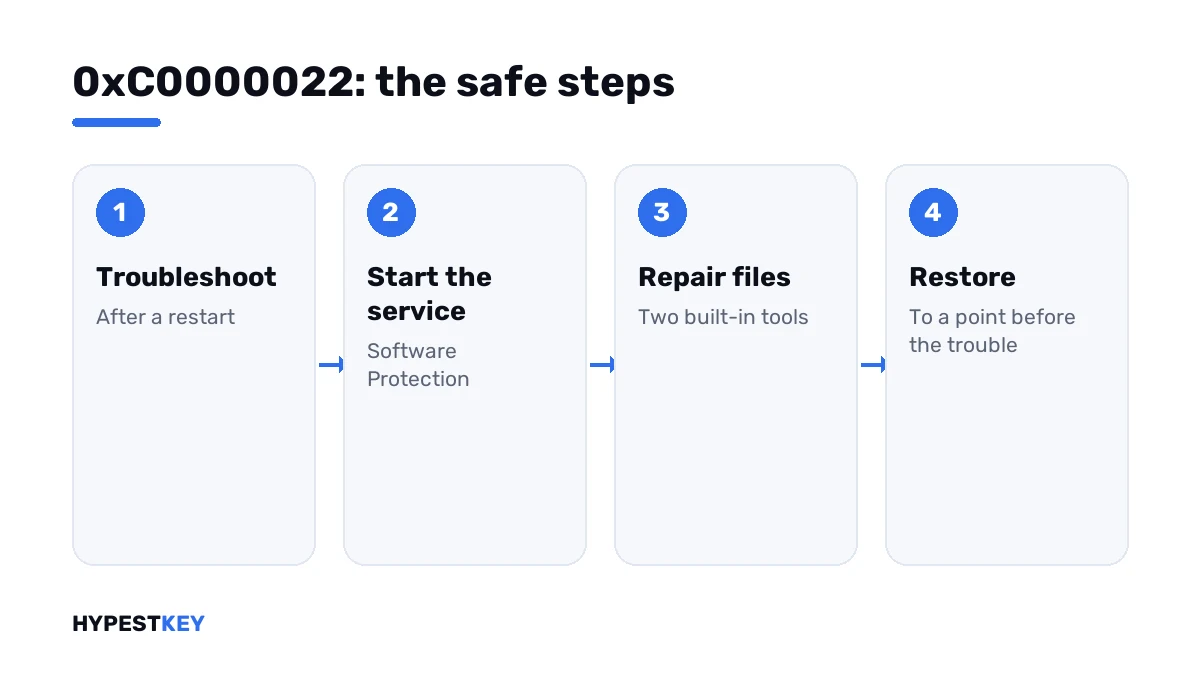
Short answer: The 0xC0000022 activation error stands for access denied inside the Windows licensing service. I'd restart, run the Activation troubleshooter, start the Software Protection service and repair system files with the two built-in tools. System Restore comes next. Manual permission changes from forums are the step to avoid.
The 0xC0000022 activation error is Windows’ way of saying “access denied” from deep inside. The service that handles licensing was refused access to something it needs.
| Step | Risk |
|---|---|
| Restart, troubleshooter, service start | None |
| System file repair | None |
| Security software check, System Restore | Low |
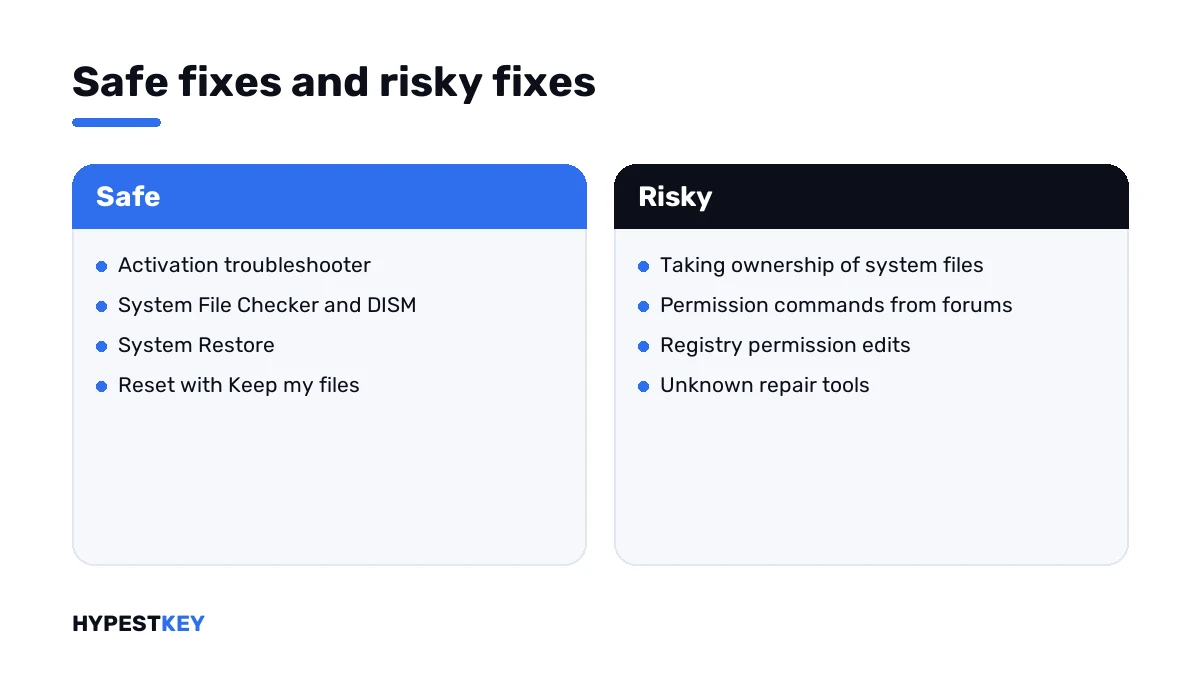
| Changing owners and permissions of system files | High; I’d leave that alone |
Microsoft has no article for this number in activation. So this page keeps to the safe steps and says plainly where the risky advice begins.
What 0xC0000022 stands for
The number belongs to Windows’ basic status codes. Its meaning is fixed: a process asked for access to an object and wasn’t allowed.
In activation the process is the Software Protection service. It reads and writes license data in a few protected folders and registry keys.
When the rights on those places are damaged, or something locks them, the service can’t work. I found the same reading in answers on Microsoft’s Q&A site: the service lost its access rights.
This isn’t the same as running a command without administrator rights. That mistake gives 0x80070005, and a right-click fixes it.
Causes people report
| Cause | Detail |
|---|---|
| Permissions changed by a tool | “Tweakers”, cleaners and activator tools rewrite rights on system folders |
| Security software | A suite that guards system files too eagerly |
| Damaged system files | After a failed update or a disk problem |
| Malware | Some of it blocks licensing and update services on purpose |
| A restore or clone gone wrong | Files came back without their original rights |
How to fix the 0xC0000022 activation error
Go from harmless to less harmless, and stop when activation works.
- Restart the PC and try to activate once.
- Open Settings, System, Activation and run the troubleshooter.
- Open Command Prompt as administrator and start the Software Protection service.
- Run the two repair lines, restart and try again.
- Pause third-party security software for the test, then run a full scan with Windows Security.
- If the trouble began after installing a tool or an update, go back with System Restore to a point before it.
- Last resort: reset the PC with “Keep my files”, after a backup.
net start sppsvc
sfc /scannow
DISM /Online /Cleanup-Image /RestoreHealth
slmgr /ato| Line | What it does |
|---|---|
net start sppsvc |
Starts the Software Protection service and shows whether it can run |
sfc /scannow |
Checks protected system files and replaces damaged ones |
DISM /Online /Cleanup-Image /RestoreHealth |
Repairs the component store behind them |
slmgr /ato |
Asks for activation |
If the first line answers “Access is denied” as well, the diagnosis is confirmed. The service itself is locked out.
The advice I’d leave alone
Search for this code and you’ll find guides that have you take ownership of system files and rewrite their permissions by hand.
| Advice in circulation | Why I wouldn’t |
|---|---|
| Taking ownership of the licensing service’s file | Users in the same threads report that it didn’t help |
| Pasting long permission commands from forums | One wrong target, and other parts of Windows stop working |
| Registry permission edits | Hard to undo without a backup of the exact key |
| “Permission reset” tools | Unknown software with full system rights |
The repair tools and System Restore put original rights back the supported way. A reset does it for everything at once.
After a tool or a crack
If the PC ran an activator at some point, that’s the likely source. Those tools change rights on licensing files so Windows can’t check itself.
- Uninstall the tool and remove its scheduled tasks.
- Scan with Windows Security.
- Run the repair lines.
Honestly, on such a PC a clean install is often the shorter road. We cover it in our clean install guide, and a genuine key makes the result last.
Need one? Ours arrive instant to email: Windows 11 Pro and Windows 10 Pro. Where the key goes is in how to activate Windows 11.
Codes it gets confused with
| Code | What it says |
|---|---|
| 0xC0000022 | The licensing service itself was denied access |
| 0x80070005 | Your command ran without administrator rights |
| 0xC004F012 | The license store is damaged |
| 0xC004F075 | The licensing service was stopping |
| 0x80004005 | An unspecified failure |
The same value shows up in Office setup as a number in brackets. That case is on our page for Office error 30015-11. Everything else is in the list of Windows 11 activation errors.
Where these steps apply
| System | Notes |
|---|---|
| Windows 11 | All steps; System Restore sits under System, About, System protection |
| Windows 10 | Same steps; Activation and Recovery sit under Update & Security |
| Windows Server | Same commands; test on a snapshot first |
| Work devices | Leave it to IT |
Mistakes we see most
- Treating it like a missing “Run as administrator”.
- Copying permission commands without knowing what they change.
- Switching security software off for good.
- Entering new keys into a service that can’t write anything.
- Skipping the backup before a reset.
Terms used on this page
| Term | Meaning |
|---|---|
| Access denied | Windows’ answer when a process lacks the rights for what it asked |
| Software Protection service | The Windows service that handles licensing; short name sppsvc |
| Permissions | The rules that say who may read or change a file or key |
| Ownership | Which account is in charge of a file’s permissions |
| System Restore | A Windows feature that returns system files and settings to an earlier point |
FAQ
What does error 0xC0000022 mean during activation?
Access denied. The Software Protection service couldn't reach files or registry entries it needs. Microsoft has no article for it in activation, so I'd stick to the built-in repair steps.
How do I fix 0xC0000022?
Restart and run the Activation troubleshooter. Then start the Software Protection service from an administrator prompt and run the System File Checker and DISM. If a tool caused it, we'd use System Restore.
Is it the same as 0x80070005?
No. With 0x80070005 your own command lacked administrator rights. Here the licensing service itself is locked out, even in an administrator window. The fixes differ.
Should I take ownership of system files to fix it?
I wouldn't. Users who tried it report mixed results, and a wrong permission change can break other parts of Windows. The repair tools and System Restore are the supported way.
Can antivirus software cause 0xC0000022?
It's reported, yes. A suite that guards system files can block the licensing service. We'd pause it for one activation attempt and turn it back on right after.
Does this error say my key is invalid?
No. The service couldn't work at all, so no key was checked. I'd repair the system first. A key problem would show a different code afterwards.
What if nothing helps?
Back up your files and reset the PC with "Keep my files". That restores the original rights everywhere. A digital license comes back by itself once the PC is online again.