Short answer: Reset Windows 7 password the supported way: click Reset password on the sign-in screen and plug in a password reset disk made earlier. No disk? Sign in with another administrator account and change it in Control Panel. Domain PCs are reset by IT. Nothing works? Microsoft can't recover it, so we'd reinstall.
Reset Windows 7 password the supported way: use a password reset disk you made earlier, or sign in with another administrator account and set a new password from Control Panel. No disk and no second admin? Then the honest last resort is reinstalling Windows, because Microsoft can’t recover a forgotten password.
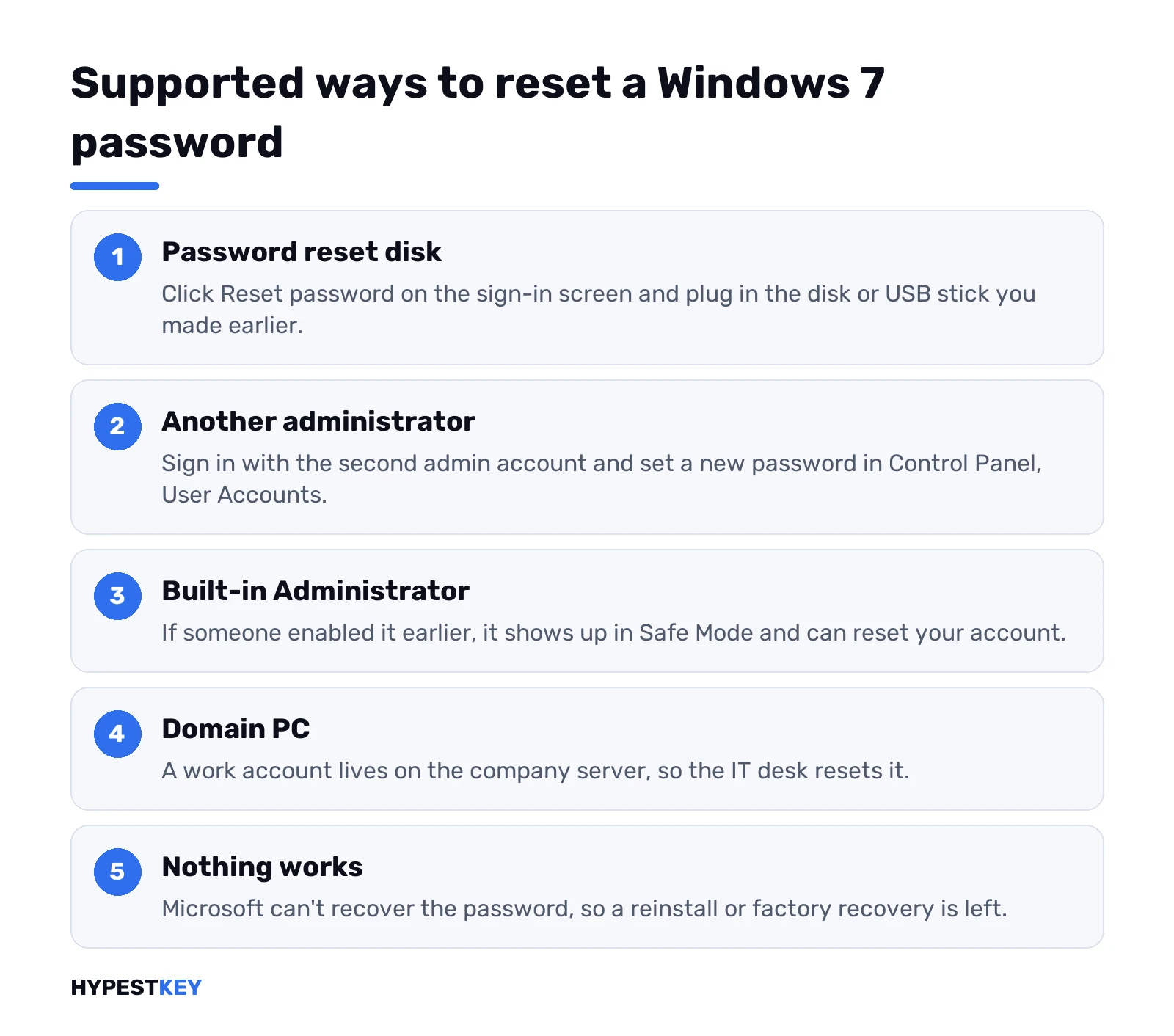
| Your situation | Supported method | Files kept? |
|---|---|---|
| You made a reset disk or USB stick before | Reset password link on the sign-in screen, then the wizard | Yes |
| Another admin account on the PC works | Control Panel, User Accounts, set a new password | Yes, with a few exceptions below |
| Built-in Administrator is enabled | Safe Mode, sign in as Administrator, reset the locked account | Yes, same exceptions |
| Work PC on a company domain | The network administrator resets it | Yes |
| You forgot an Outlook or Hotmail password | Microsoft account reset page in a browser | Not a Windows sign-in issue |
| None of the above | Reinstall or factory recovery | No, back up first if you can |
Pick your row, jump to the section. We only cover methods Microsoft itself describes. No bypass tools, no boot discs from random sites. Newer PC? That one has its own guide to resetting a Windows 11 password.
Reset Windows 7 password with a password reset disk
The cleanest fix. Only works if the disk exists already, though. You can’t make one after you’re locked out.
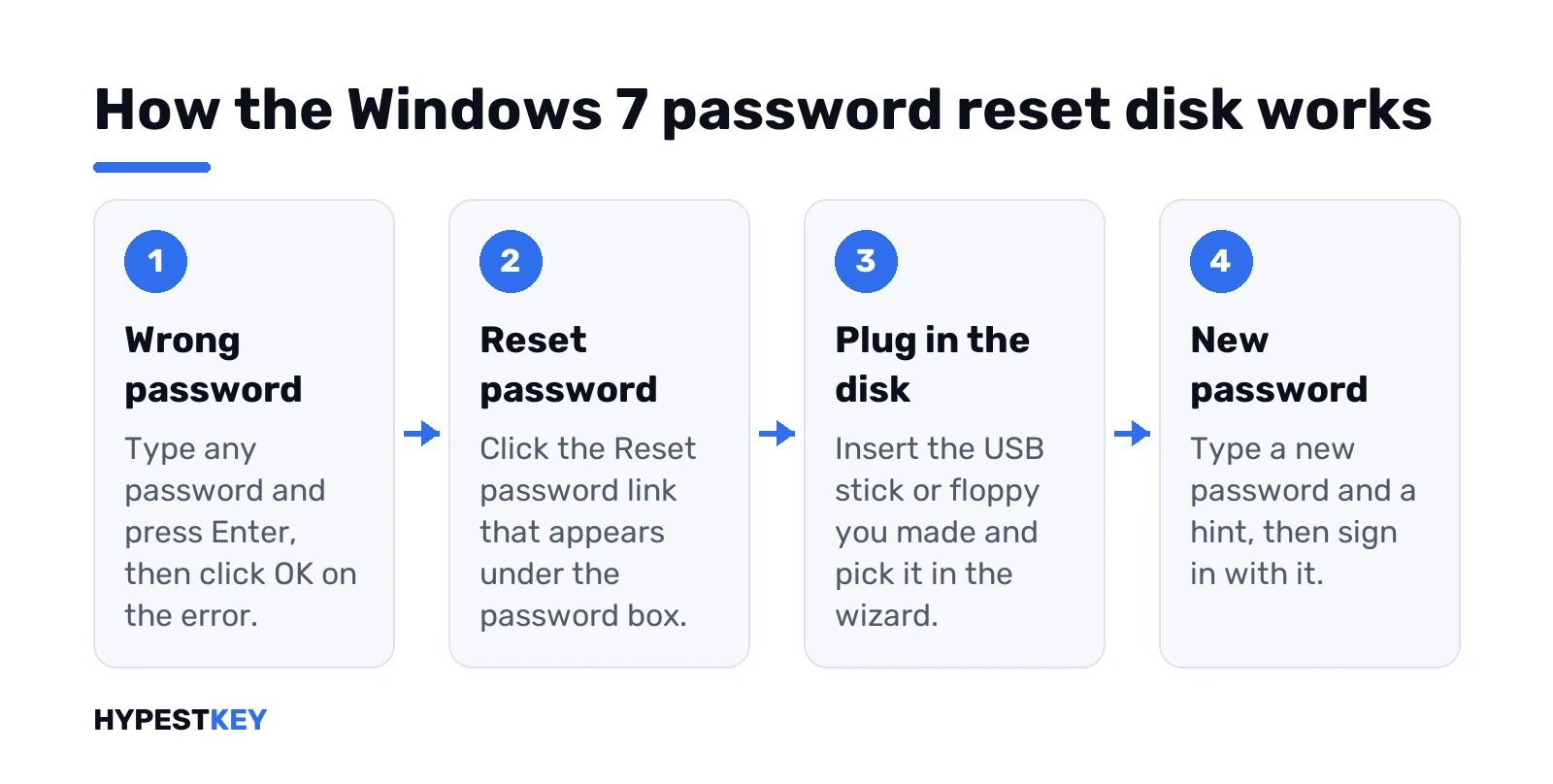
- Type any password at the sign-in screen. Press Enter.
- Windows says the password is wrong. Click OK.
- A Reset password link shows up under the box. Click it.
- Plug in the USB stick or floppy you made back then.
- The Password Reset Wizard opens. Pick the drive, type a new password and a hint.
- Finish, sign in with the new one.
Good news after that. The same disk keeps working. Microsoft says so plainly. Forget the password again and the same disk does the job. No new one needed. Keep it in a drawer, not in the laptop bag.
No link under the box? Then this account never had a reset disk, or it’s a domain account. Skip to the next section.
Another administrator account on the same PC
Family PCs often have two accounts. Is one of them an administrator, and do you know its password? Then this takes two minutes.
- Sign in with the working admin account.
- Start, Control Panel.
- User Accounts and Family Safety, then User Accounts.
- Manage another account. Click the locked one.
- Change the password. Type the new one twice, add a hint.
Prefer the admin tools? Right-click Computer, Manage, Local Users and Groups, Users. Right-click the account, Set Password. A Microsoft Q&A support specialist describes the Control Panel route for exactly this case. Both end in the same place.
One catch, and Windows warns about it on screen. A reset by somebody else loses what was locked to the old password. EFS-encrypted files and personal certificates, mostly. Saved passwords for websites and network shares go too. Plain documents and photos stay. We’d note the saved logins somewhere before clicking OK.
The built-in Administrator in Safe Mode
Windows 7 has a hidden account called Administrator. Usually switched off. On some PCs a shop or an old owner turned it on, sometimes without a password.
Worth one try, per the same Microsoft support answer:
- Restart. Tap F8 before the Windows logo.
- Advanced Boot Options. Choose Safe Mode.
- Look for an Administrator tile on the sign-in screen.
- Sign in, then reset your account in Control Panel as above.
No Administrator tile? It’s disabled, and that’s the default. Don’t go hunting for tricks to switch it on from outside Windows. That’s bypass territory, and we leave it out. More on how Safe Mode itself works in our safe mode guide; the menu differs on newer versions, the idea doesn’t.
Reset Windows 7 password without a disk or USB
No stick, never made one. Most people searching this are right here.
Before any reset, two quick checks. Caps Lock off? Keyboard language right? Look for the little EN or DE label by the box. Wrong layout, wrong password, even when you typed the right one. Then the hint. One wrong try, Enter, and Windows 7 shows the hint you set under the box.
Still locked out? What’s left without a disk:
- A second administrator. Partner, parent, the account the shop set up. Section above.
- The built-in Administrator. Only if somebody turned it on before.
- Your IT desk. Domain accounts only.
- A reinstall. Last, and it wipes the drive.
Reset the Windows 7 password without losing data: that’s the first three. They keep your documents. A reinstall keeps nothing unless you pull the files off first.
Work PCs on a domain
Sign-in screen says “Log on to” with a company name? Or you press Ctrl+Alt+Delete to sign in? Then the account lives on the company’s server, not on the laptop.
The reset disk won’t work for a domain account. Neither will Control Panel on the PC. Call your IT desk. An admin resets it on their side. Running that server yourself? Our notes on changing a Windows Server password and managing users in Windows Server cover the admin end.
The Microsoft account password is a different thing
Windows 7 signs in with local accounts. Your Outlook.com, Hotmail, Xbox or Skype password isn’t the one on that screen.
Forgot that one instead? Any browser, any device. The Microsoft account password reset page sends a code to your backup email or phone. Nothing changes on the old PC. Moving to a newer PC later? We’d sign in there with the Microsoft account, since then the reset works from the lock screen. We cover that move in upgrading Windows 7 to Windows 10.
When no way to reset the Windows 7 password works
No disk. No second admin. No IT desk. Here Microsoft is blunt: if these options don’t work, Microsoft support can’t help you retrieve or get around a lost or forgotten password. That line sits on their change or reset your password page.
What’s left is starting over:
- Factory recovery. Many laptops have a recovery partition from the maker. The key press differs per brand; check the maker’s support site. It wipes the drive.
- Reinstall from media. Boot from a Windows install disc or a bootable USB stick and install fresh. Also wipes the drive, unless you pick another partition.
- Files first. Can’t sign in but need the photos? Take the drive out and plug it into another PC as a second disk. Files encrypted with EFS stay unreadable that way.
The product key for a reinstall usually sits on a sticker. Under the laptop, or on the side of the case. Lost? Our guide to finding your Windows product key has more places to look. For the install itself we’d follow clean install Windows 10, close enough for older versions too.
Making a Windows 7 password reset disk before you need one
Still signed in? Five minutes now saves the reinstall later.
- Plug in a USB stick. Any size, it stores a tiny file.
- Control Panel, User Accounts.
- Left column: Create a password reset disk.
- Forgotten Password Wizard. Pick the stick, type your current password.
- Done. Label the stick.
What lands on the stick? One small file, userkey.psw, about 2 KB. No hardware tie. A copy on a second stick works too. Changed your password since? Doesn’t matter. Same file, still resets it. One disk per account, done.
Can’t find the link in Control Panel? Start menu search, type password reset disk. Same wizard.
Two things about it. It only works for the account that made it. And anybody holding the stick can reset that account. Spare house key rules. We’d keep it at home. Microsoft’s reset disk steps for newer Windows use the same idea.
Why we skip password bypass tools
Search results for this topic are full of them. Boot discs that blank the password, tricks that swap system files from the recovery screen.
We leave them out on purpose. Microsoft doesn’t support them. Some come from unknown sites with unknown code. Swapping system files can break Windows. And those tools work just as well for a thief with your stolen laptop, which tells you something. On your own PC, the methods above are the safe set. Not your PC? Then the owner or the IT desk resets it, not you.
After you’re back in
Small list, worth doing the same day:
- Make the reset disk from the section above. Right away.
- Set a password hint that only you get.
- Copy important files somewhere else. A second drive, cloud storage, anything.
- Think about the next machine. Windows 7 PCs are old by now, and newer Windows lets you reset from the lock screen with a Microsoft account.
Moving to a new PC anyway? Our guide on moving a Windows license to a new PC explains what carries over. Sticking with this machine and reinstalling? We sell a Windows 7 Professional key and a retail Windows 10 Pro key, both instant to email.
FAQ
No reset disk and no other account, what now?
Then a reinstall or the maker's factory recovery is left. Copy your files off the drive first if you can, because both wipe it.
Can I make a reset disk after I'm locked out?
Nope. The disk has to be made from inside your account while you still know the password, so it only helps next time.
Will an admin password reset delete my files?
No. Documents and photos stay put, but EFS-encrypted files, personal certificates and saved website passwords tied to the old password are lost.
Does Microsoft support reset it for me?
No. Microsoft says its support can't retrieve or get around a lost or forgotten Windows password, so the methods on this page are what you have.
I forgot my Hotmail password, is that the same thing?
Different password. Windows 7 signs in with a local account, so reset the Microsoft account in a browser at the account.live.com reset page.
Is the hidden Administrator account always there?
It exists on every Windows 7 PC. Off by default, though, so it only shows up in Safe Mode if someone turned it on earlier.
Work laptop, which method?
None of them on your own. A domain account is reset by your company's IT desk, and the reset disk doesn't apply there.
I lost the reset USB stick, any backup?
Maybe. The disk is one small file, userkey.psw. A copy of it on any other drive works the same way.